150+ product photography templates
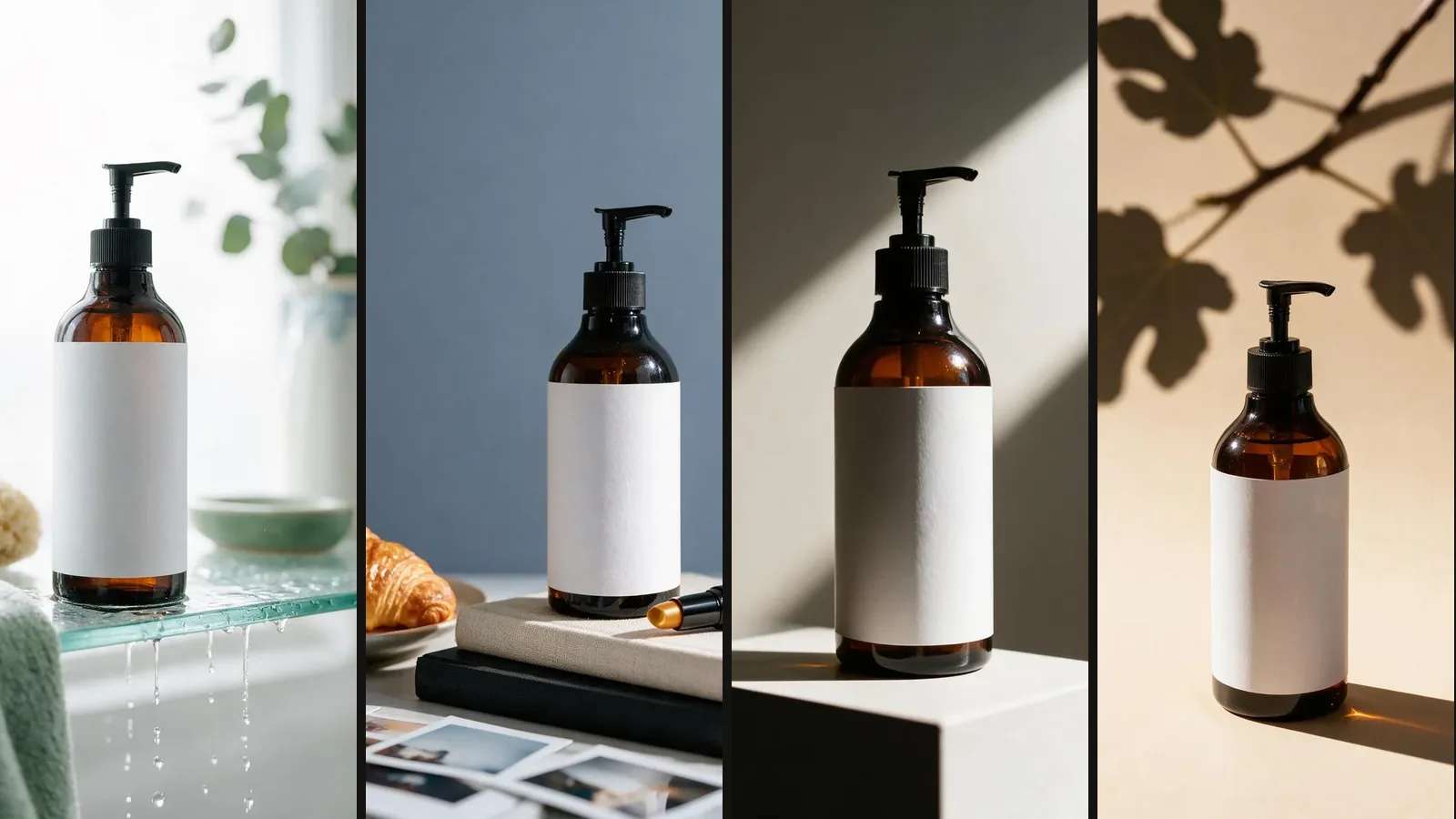
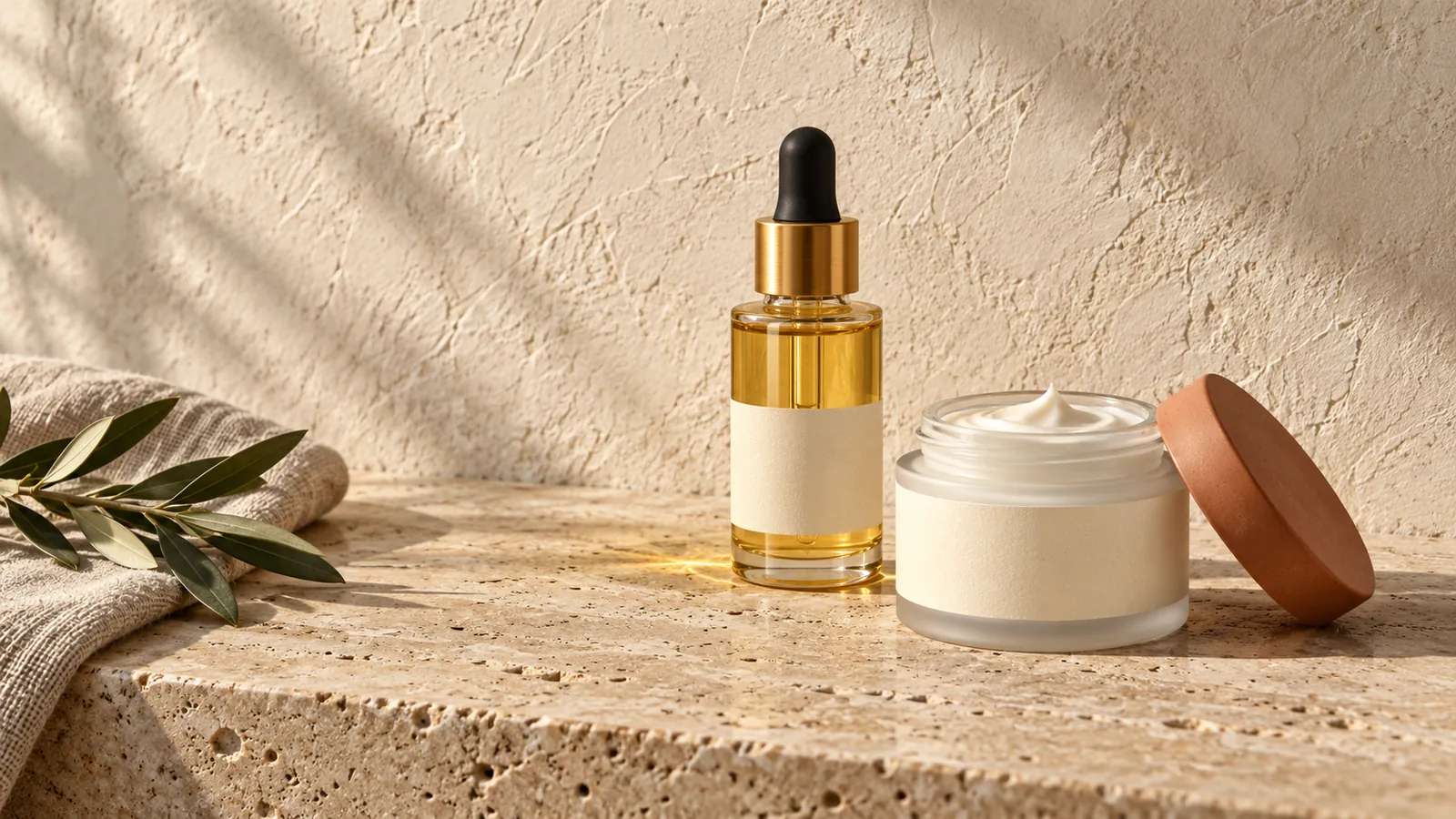
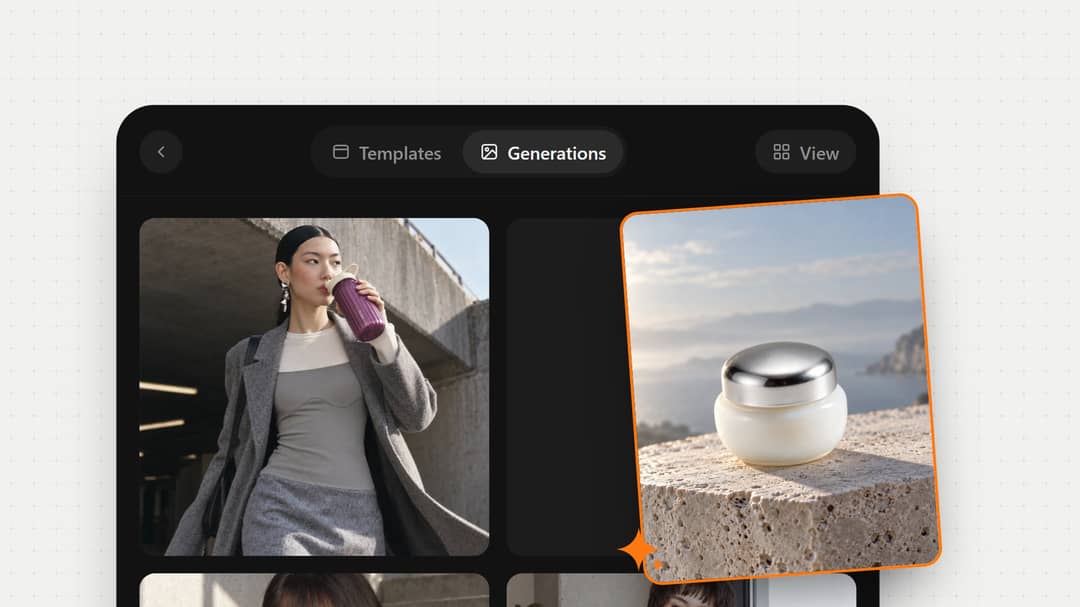
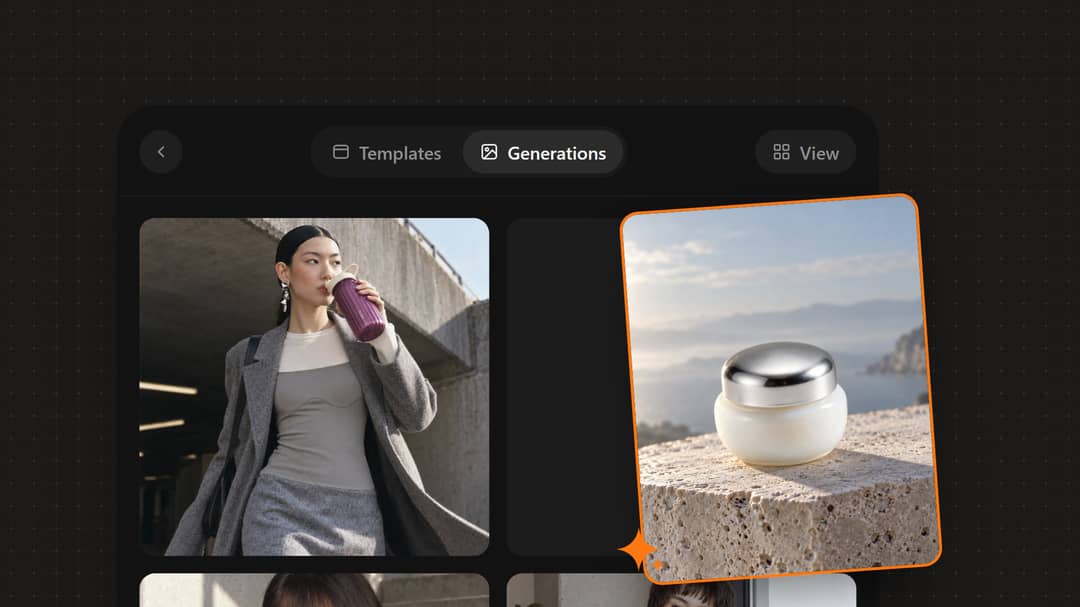
You don't write prompts. Pick a scene, like a color studio, fresh leaves or a splash of water, and ShelfPic builds the shot around your product.
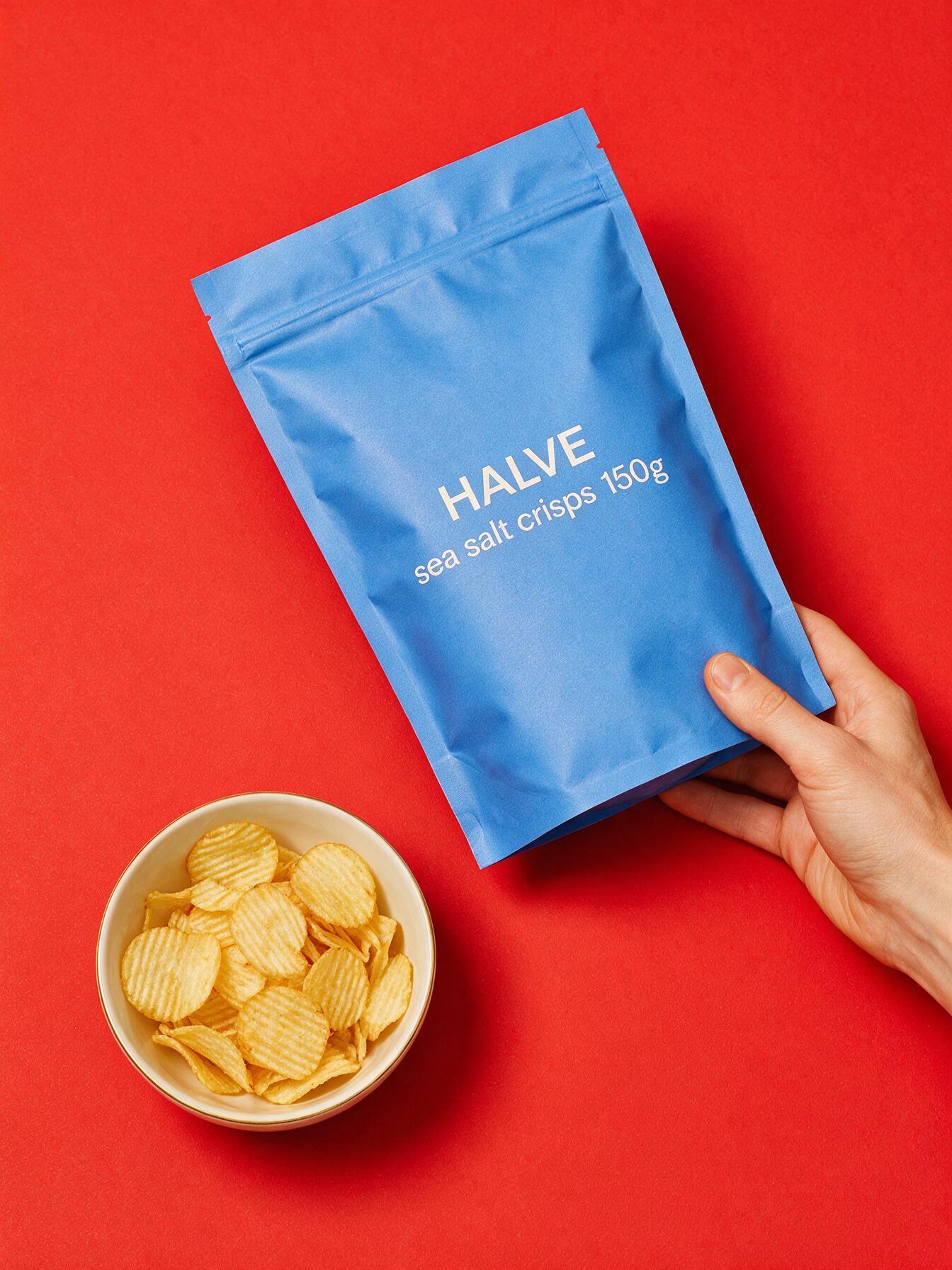 Honey Drizzle Crisps
Upload one product photo and get studio, lifestyle and on-model shots in seconds — no shoot, no studio.
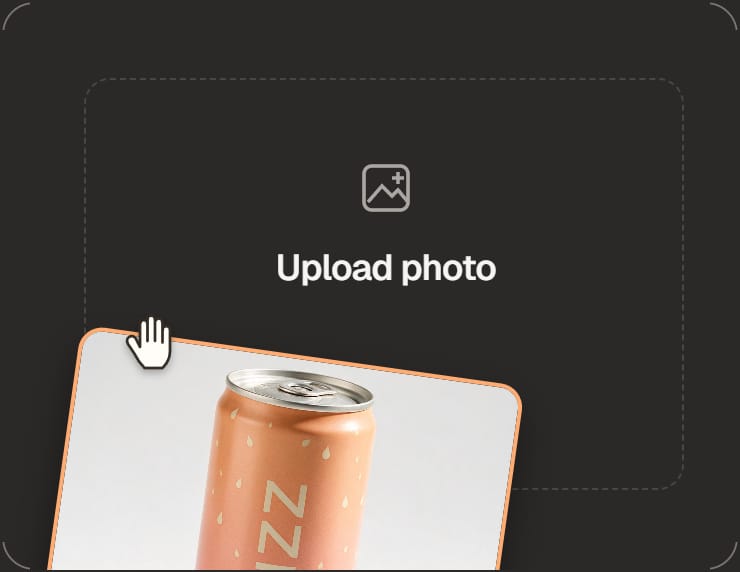
You can also drop a photo anywhere on this screen.
No studio, no photographer, no lightbox. Upload one phone photo and get the shots a listing needs: studio, lifestyle, on-model and multi-pack photos. Make up to four at a time and keep the best.
You don't write prompts. Pick a scene, like a color studio, fresh leaves or a splash of water, and ShelfPic builds the shot around your product.
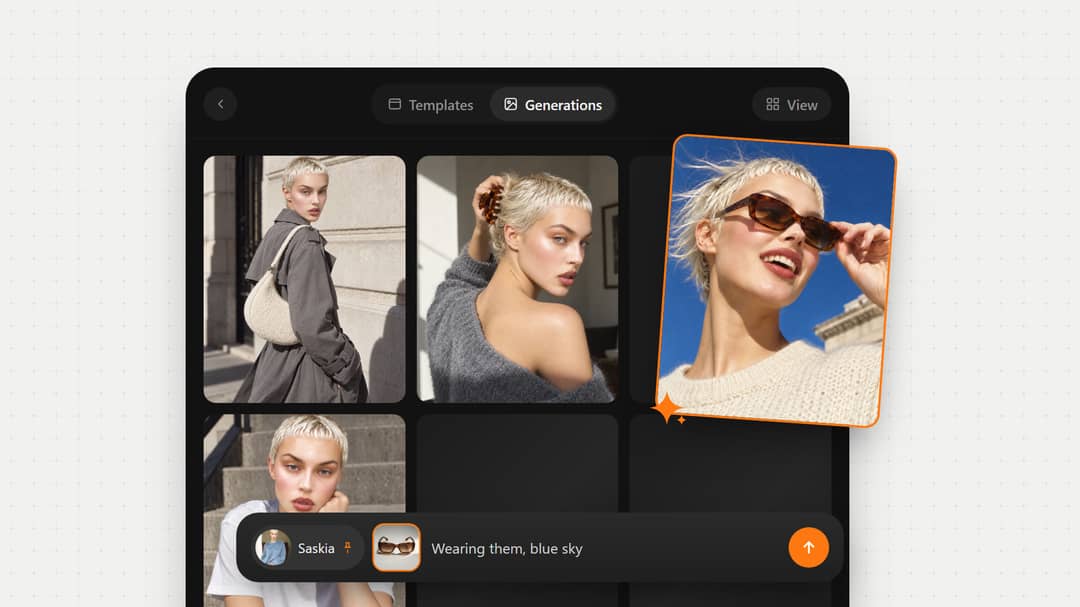
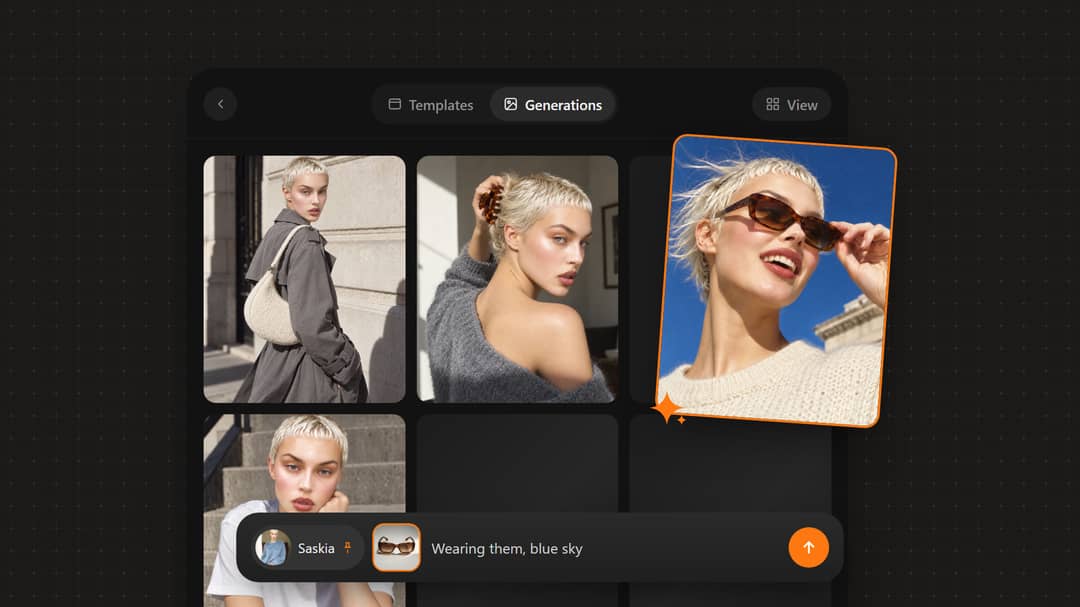
Held, worn, in use. Put the product on a model without casting one, and keep the same face across a catalog.
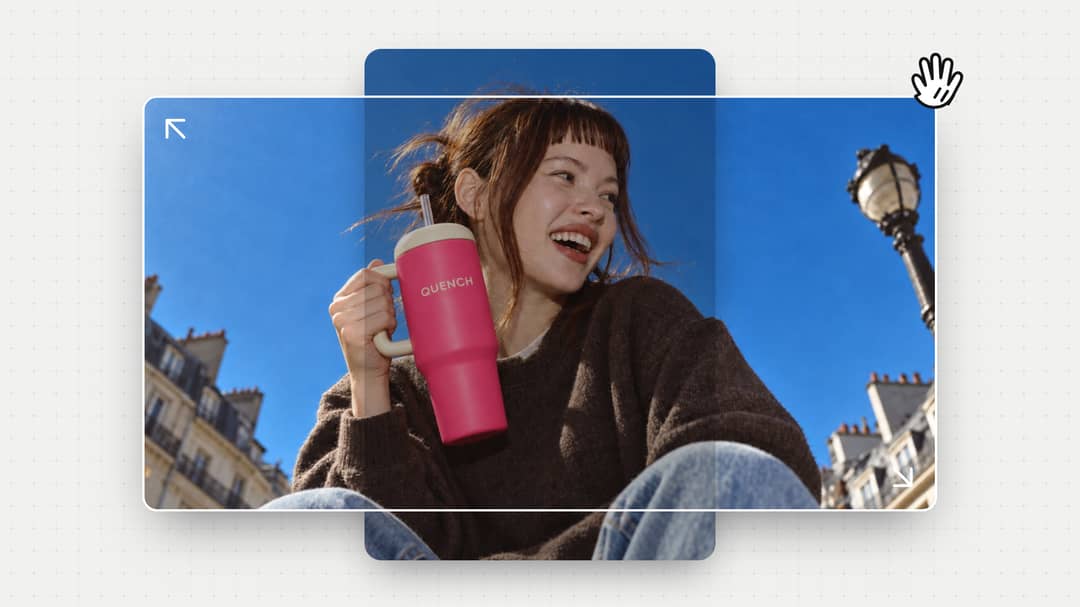
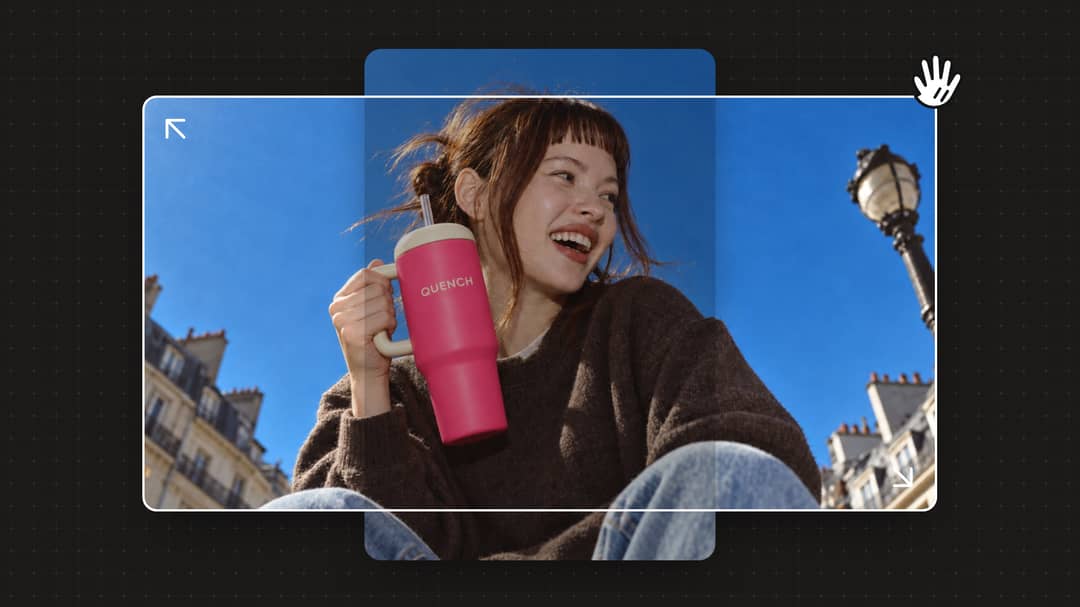
Square for the marketplace tile, portrait for the product page, landscape for the banner. Pick one before you generate, or expand a finished photo to a new ratio.
Upload one photo. ShelfPic relights it and builds a new scene around your product, so it looks like a professional shoot.
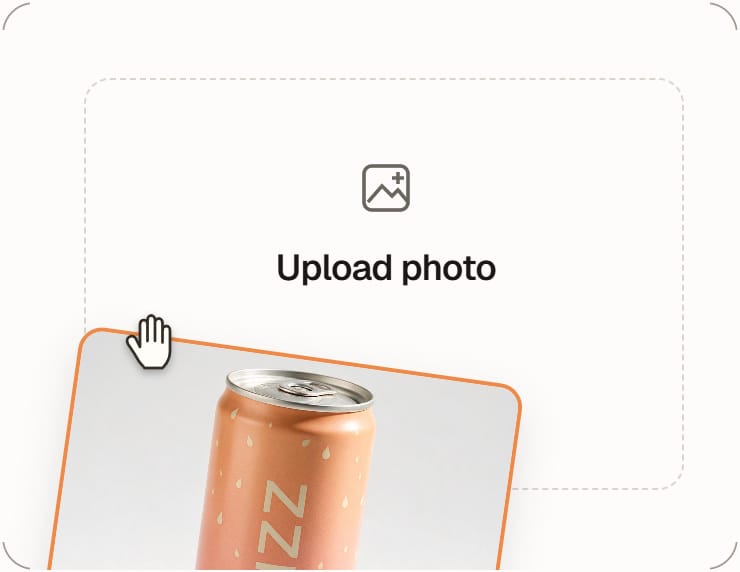
Snap your product with any phone or camera — no lightbox, no studio, no setup.
Choose a scene — studio, lifestyle, or on-model. AI reshoots your product into it.
Download studio-quality photos in the ratio your listing needs. Check the current category rules before you publish.
One credit balance for photos, videos, cutouts and upscales.
For solo sellers who mostly need product photos.
800 credits / month
26 product photos
1 fifteen-second 480p video
Refreshes monthly · never rolls over
Same price as monthly
For shops making product photos and short videos every month.
3,500 credits / month
116 product photos
4 fifteen-second 480p videos
Refreshes monthly · never rolls over
Save $120 compared to monthly
For large catalogs, frequent campaigns and heavy video production.
10,000 credits / month
333 product photos
13 fifteen-second 480p videos
Save $360 compared to monthly
Every plan includes the photo studio: AI product photos, background removal and 4K upscaling. Video starts at $19, up to 1080p.
Prices in USD, excl. tax. Credits refresh monthly and never roll over; failed generations are refunded.How credits work →Compare all features →
Yes. New accounts get 100 free credits with no card, enough for three photos. You can pick a style and add your photo first, and both stay put while you sign up.
AI product photography turns an ordinary product photo into professional images without a photoshoot. You upload one photo, and AI rebuilds the light, background and composition around your product. A phone photo is enough.
It's designed not to. Your photo guides every shot, so the shape, label and colors stay and only the light and scene change. AI can still shift a small detail, so check each photo before you list it.
A clear phone photo works. Shoot in daylight or by a window, with the whole product in frame and nothing blurred. The background doesn't matter, because the AI replaces it.
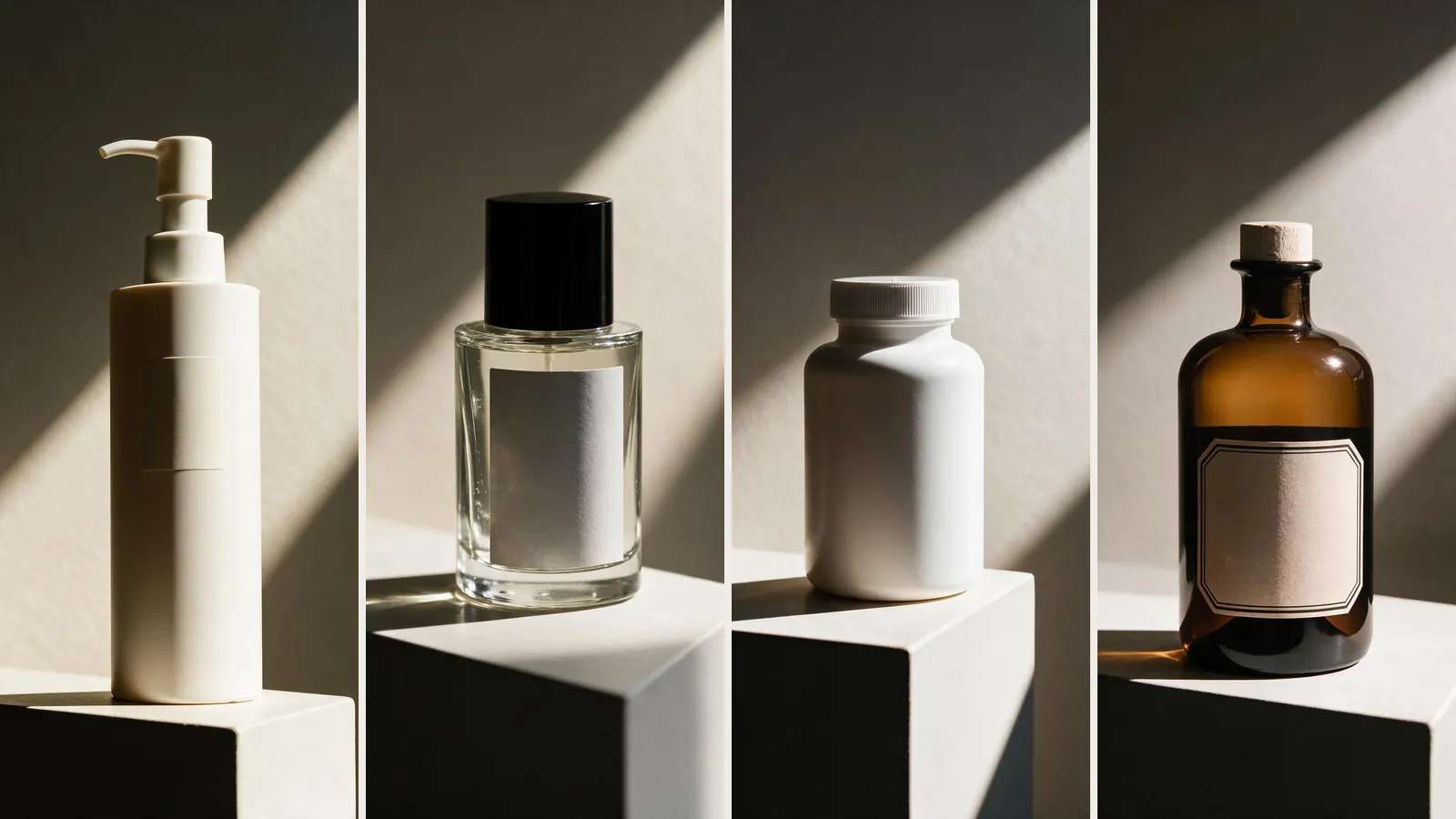
Packaged goods, which have the most templates: food and drink, skincare and beauty, and anything in a bottle, jar, box or pouch. Other products work too if you can photograph the whole thing. Fine print, clear glass and mirror-like surfaces are the hardest, so check those closely.
Yes. The With Models templates show your product worn, carried or held by a model. Pick one of 40 preset models or upload your own photo, and keep the same face across a catalog. To show exactly how clothing fits, a real shoot is still the safer choice.
Yes, with one extra step. Open the photo in our background remover and export it on pure white (#FFFFFF). You get a 2000 px square with the product filling most of the frame, which is what Amazon asks for in a main image.
Square, standard, portrait and landscape, on every plan. Every photo comes out in high resolution at the same credit price. Need more pixels for print or marketplace zoom? Upscale any photo to 4K in one click.
Yes, product photo editing is built in. Open any result to describe a change, erase a spot, expand the canvas, remove the background or upscale it. Each edit saves as a new photo, so the original stays.
Yes. On every plan, you can use your photos in listings, ads and social posts. Free plan downloads carry a watermark, and paid plans don't.
Most photos are ready in 10 to 30 seconds. A set of four is done in about a minute.
 Video ad
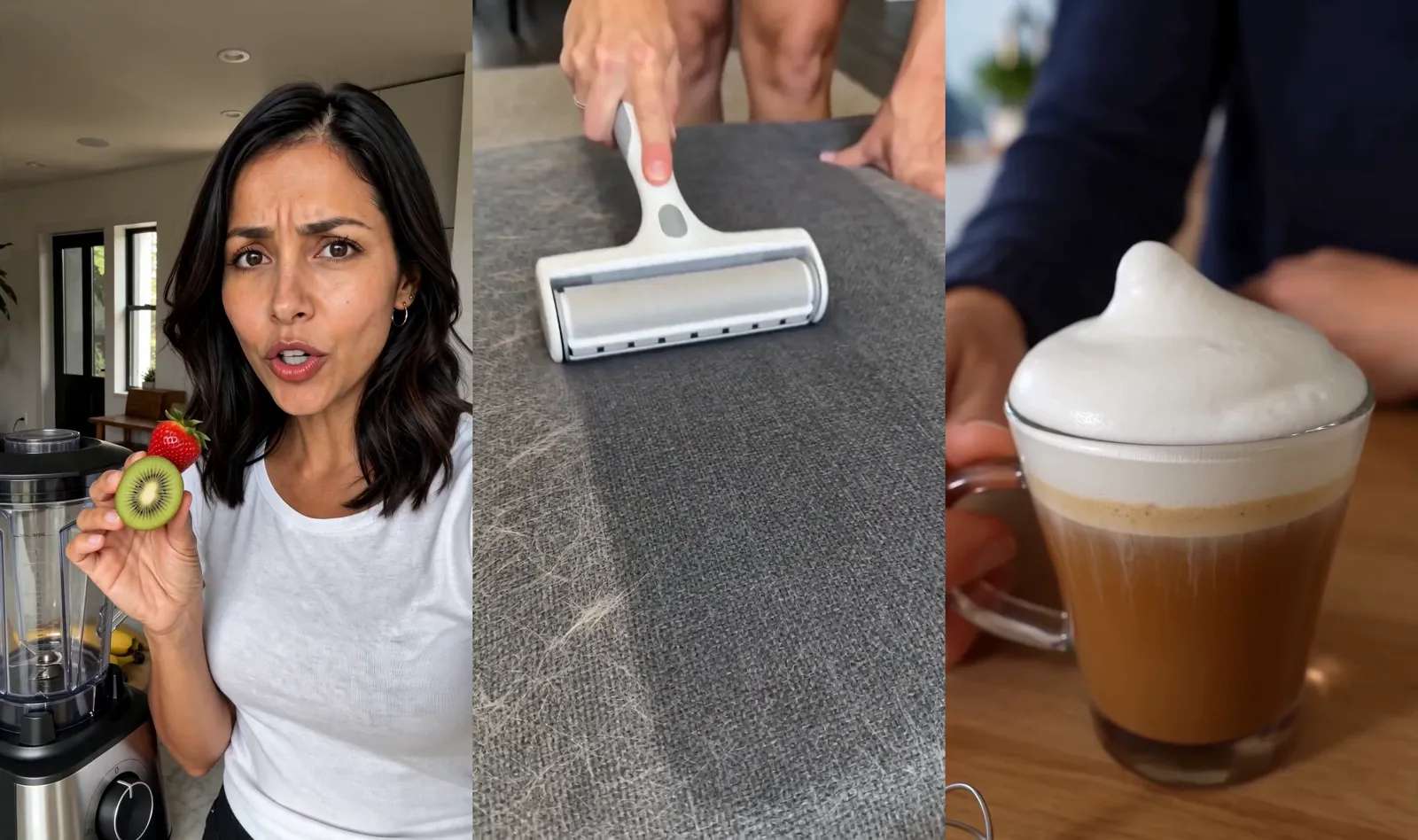
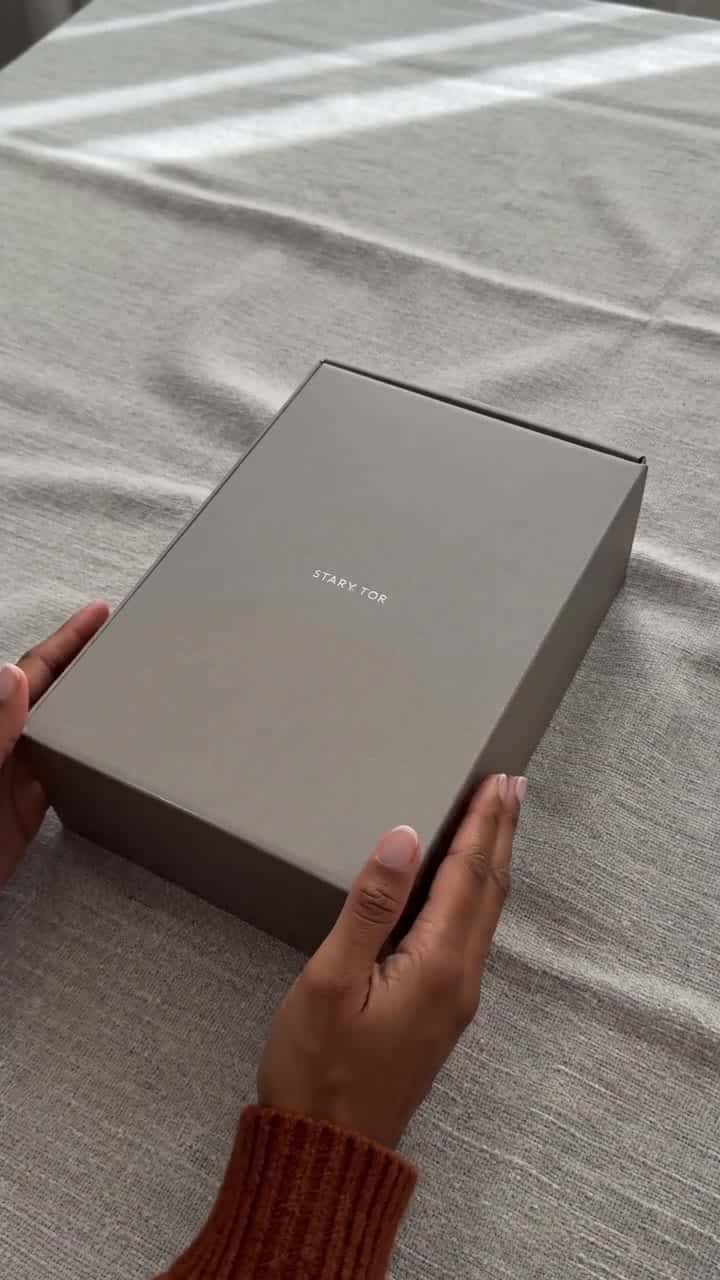
Try-on, unboxing and UGC-style ads, ready for TikTok, Reels and product pages.
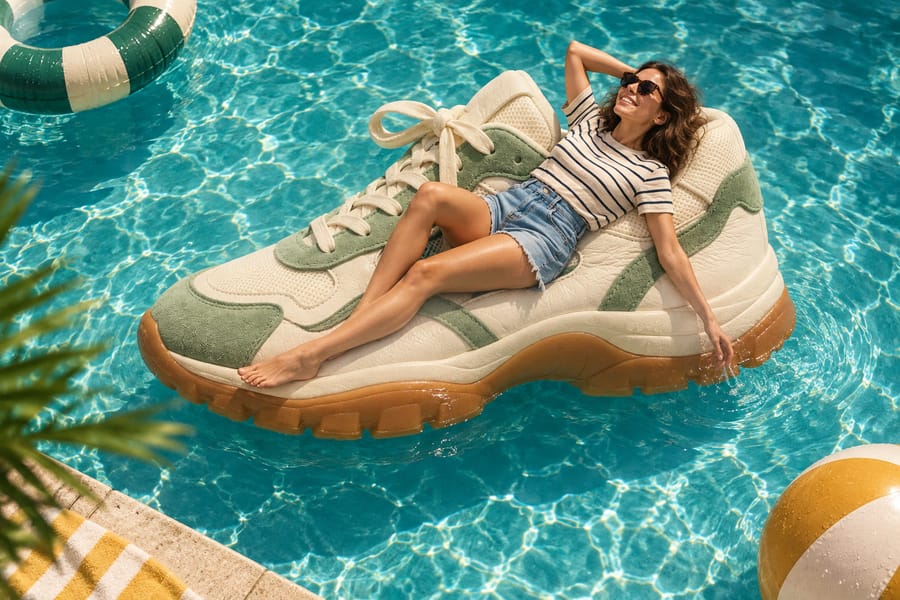 New background
Cut your product out cleanly, then put it on white, a color or a whole new scene.
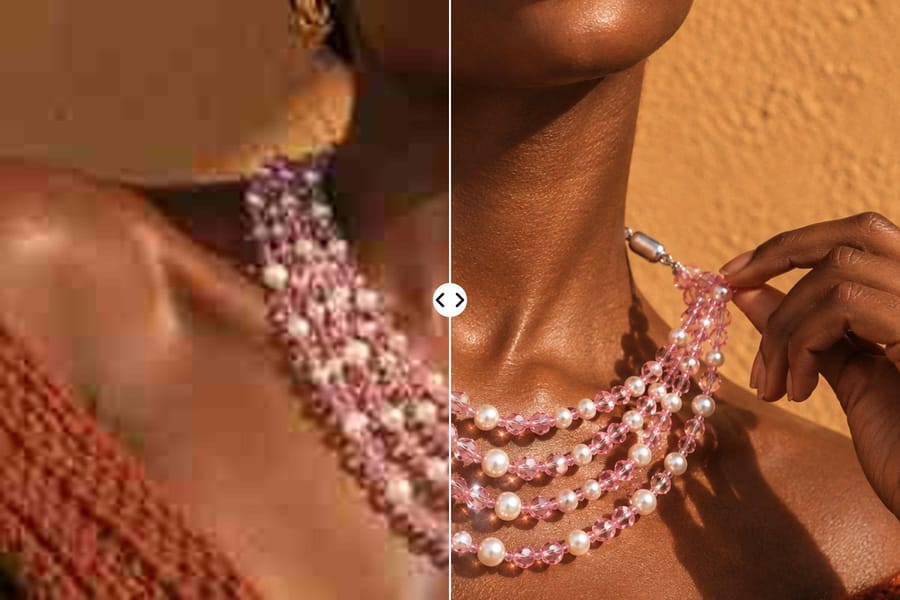 Upscale 2× · 4×
Turn a small, soft photo into a sharp one, 2× or 4× larger.
No credit card. No commitment. Just results.