The marketplace main image checklist for 2026
Suppressed listings usually trace back to one photo. Here's exactly what a marketplace's main image rules require — and how to pass them on the first upload.
Every week, sellers watch listings disappear from search because the main image broke a rule they didn't know existed. The rules themselves are short. The expensive part is reshooting until you pass.
What marketplaces actually require
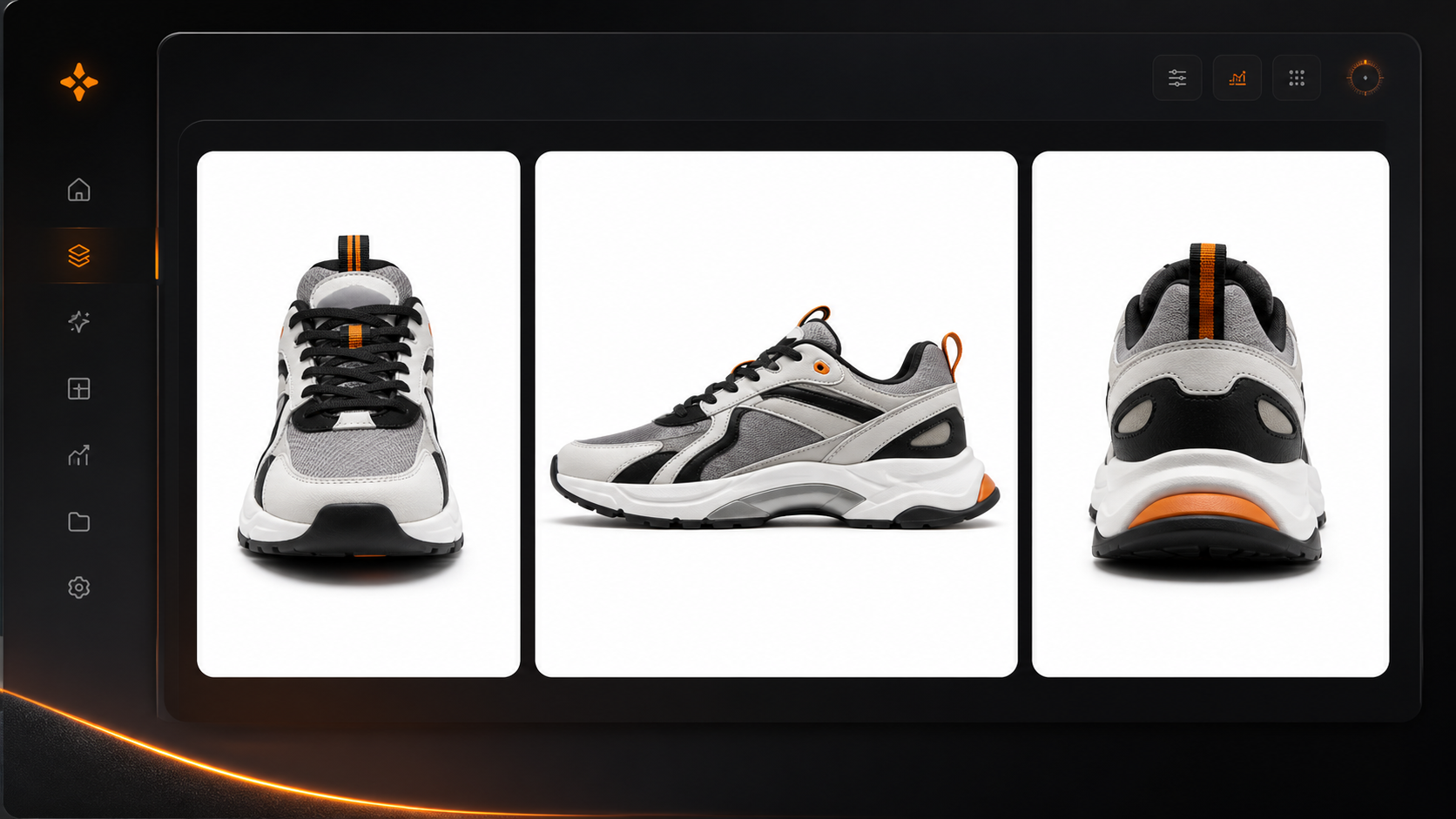
- Pure white background — RGB 255, 255, 255 — not off-white, not light grey, not a gradient.
- Product fills the frame — The product should occupy roughly 85% of the longest side.
- Nothing but the product — No props, logos, watermarks, badges, or text overlays.
- Zoom-ready resolution — At least 1600px on the longest side to enable hover zoom.
A suppressed main image doesn't just hide one photo — it hides the entire listing from search.
Passing on the first upload
This is the spec ShelfPic's Product Background Remover exports to: cut the product out, export it on pure white with the marketplace preset, and the size and background come out the way the marketplace asks — so the checklist above is handled before you ever open Seller Central.
Run your current main images against the list. If any of them fail more than one line, a reshoot costs a few credits — a suppression costs you every sale until it's fixed.
Start free
Turn your next photo into a listing-ready shot.
Upload any product photo and get studio-quality visuals in seconds — no studio, no shoot day.
Try ShelfPic free