
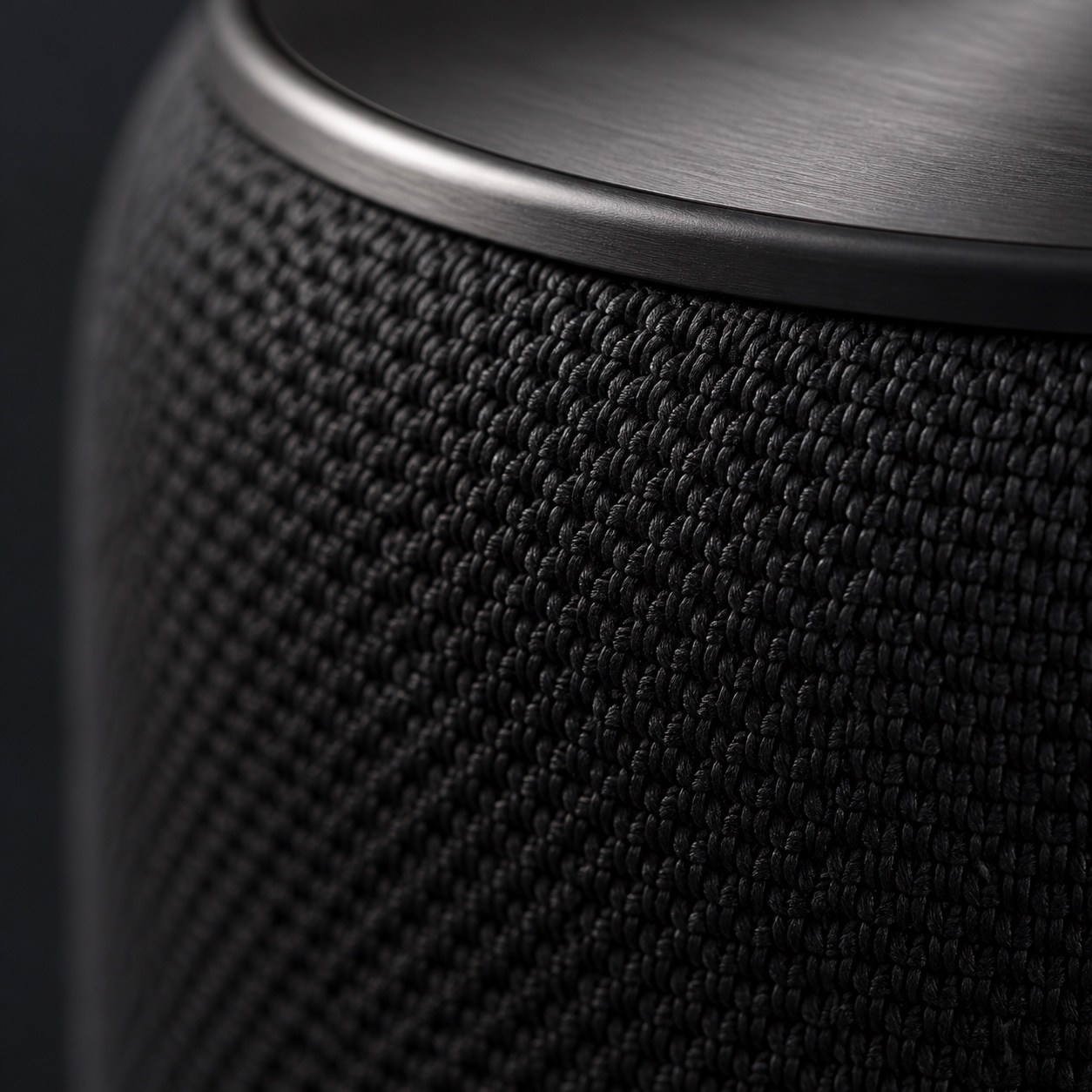
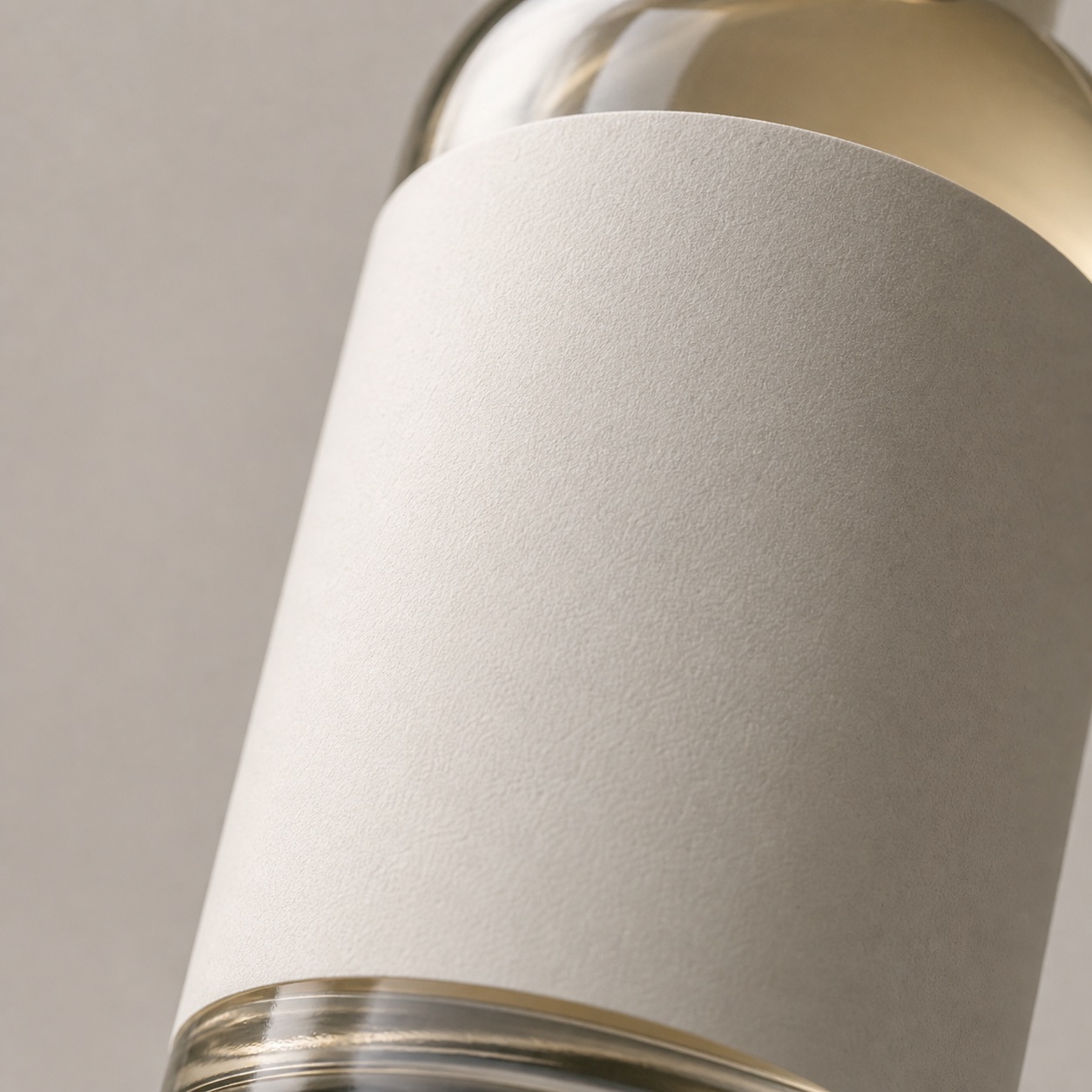
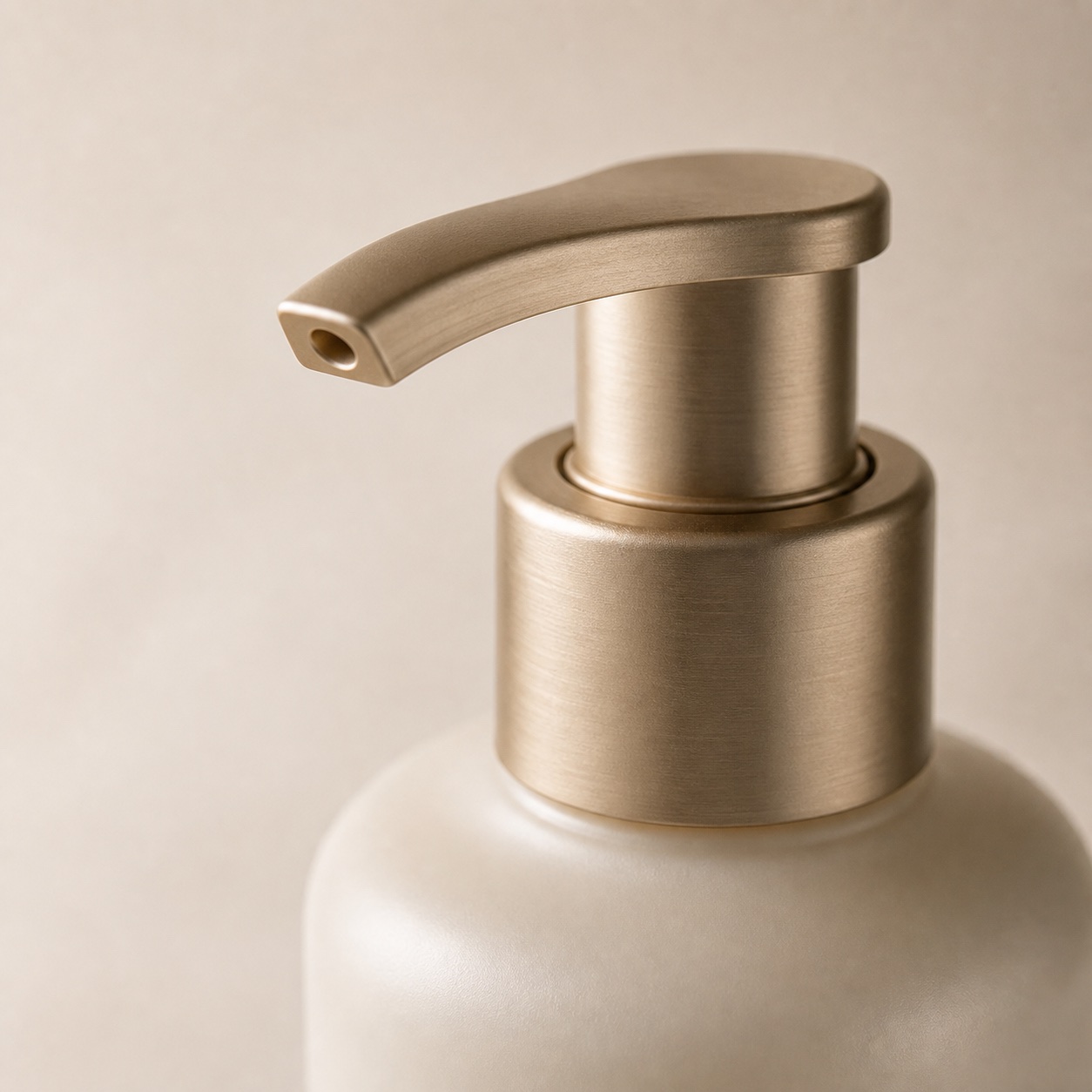
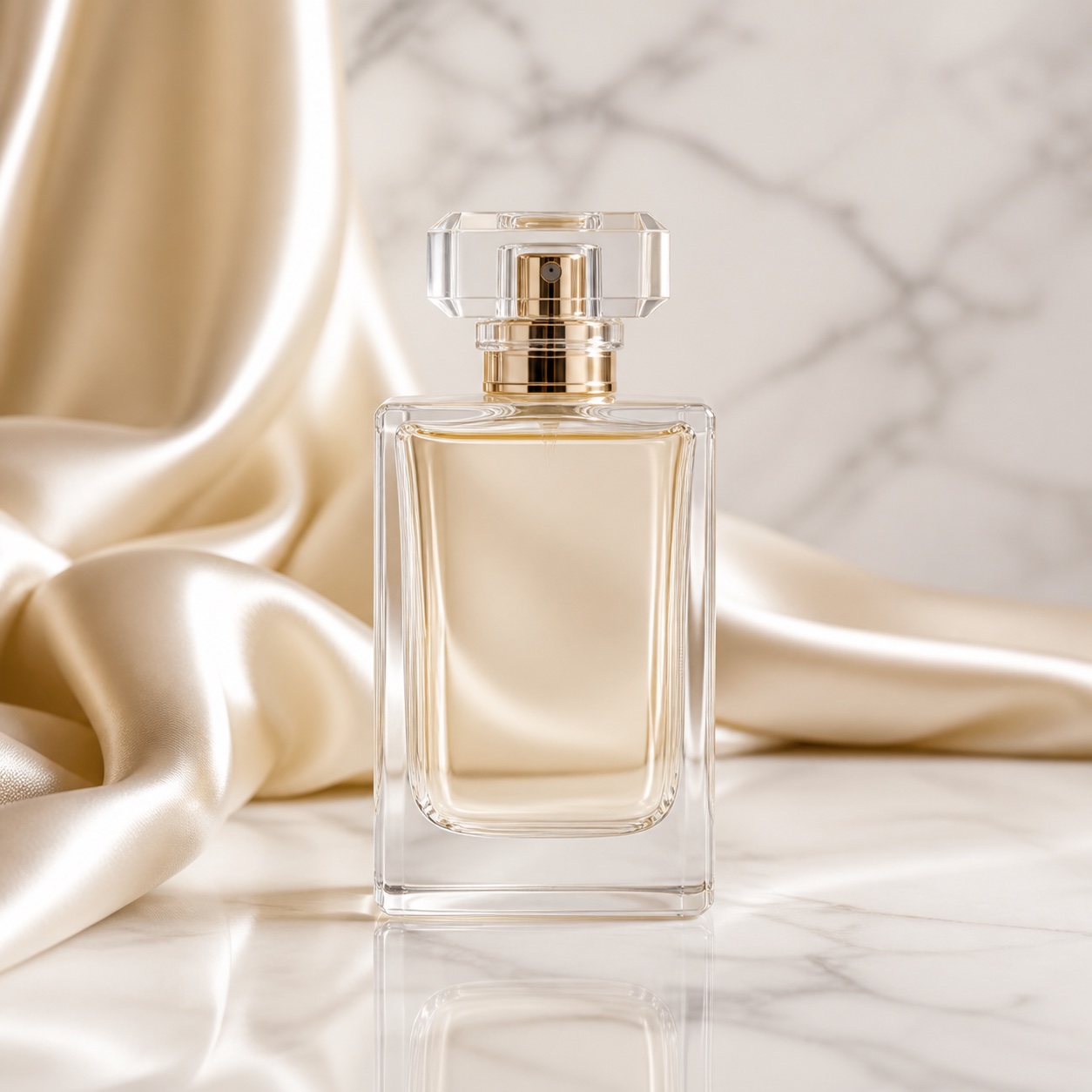
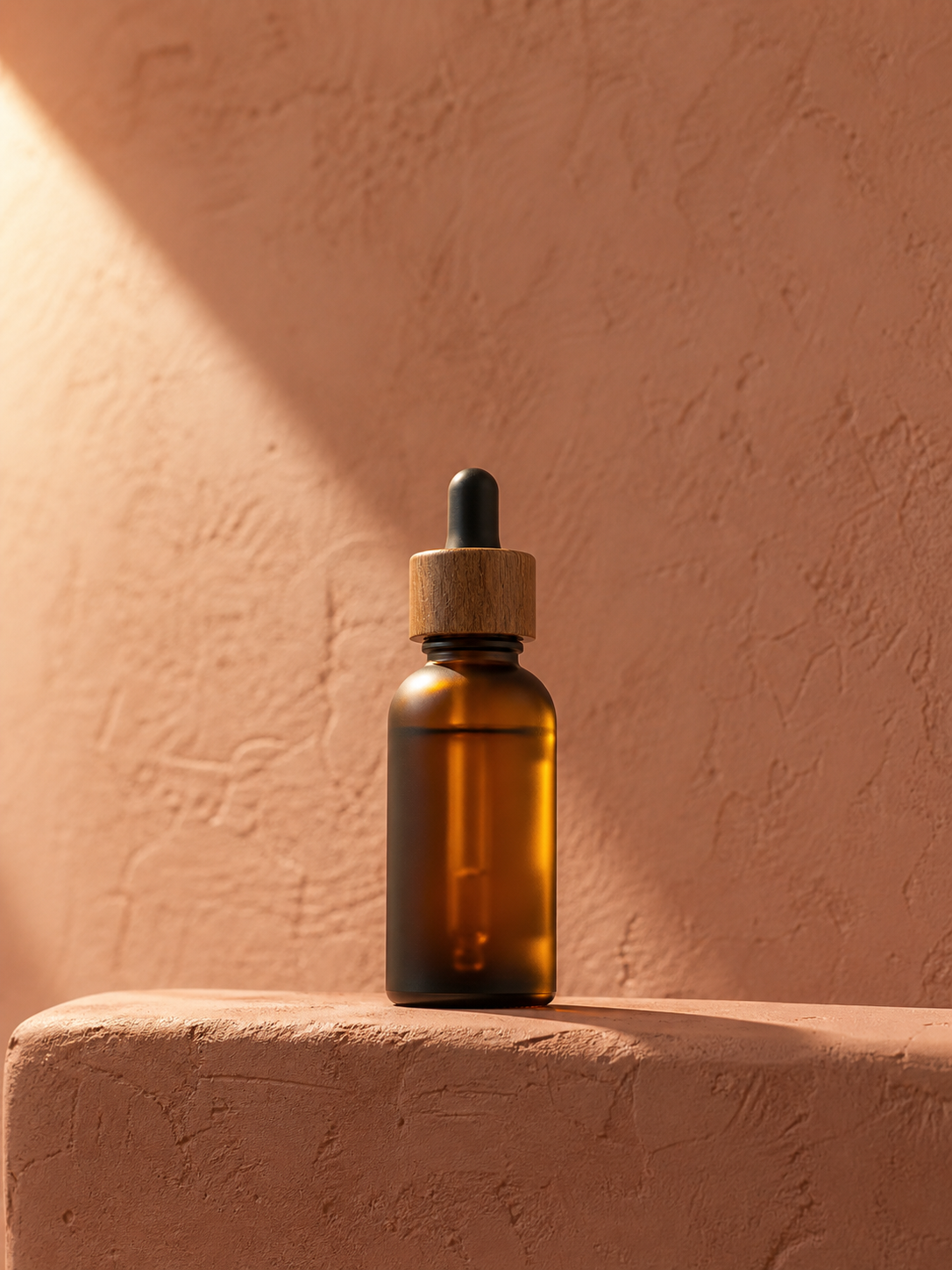
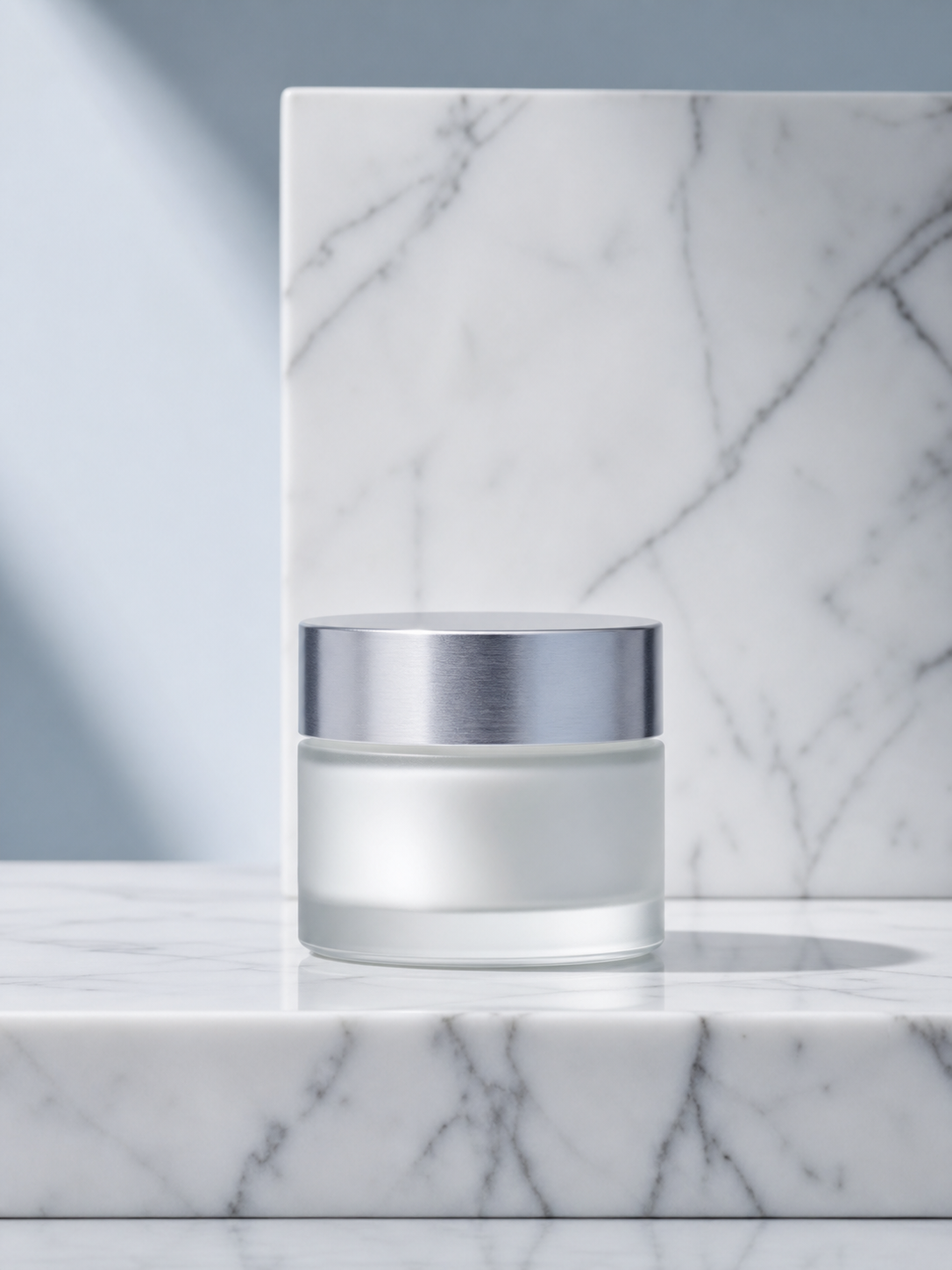
AI Reshoot for ecommerce product photos
Turn everyday product shots into studio-quality, marketplace-ready photos. Pick a photo style and generate clean listing, catalog, and lifestyle visuals.
Pick a style, drop in your product photo — the studio reshoot renders after you sign in.
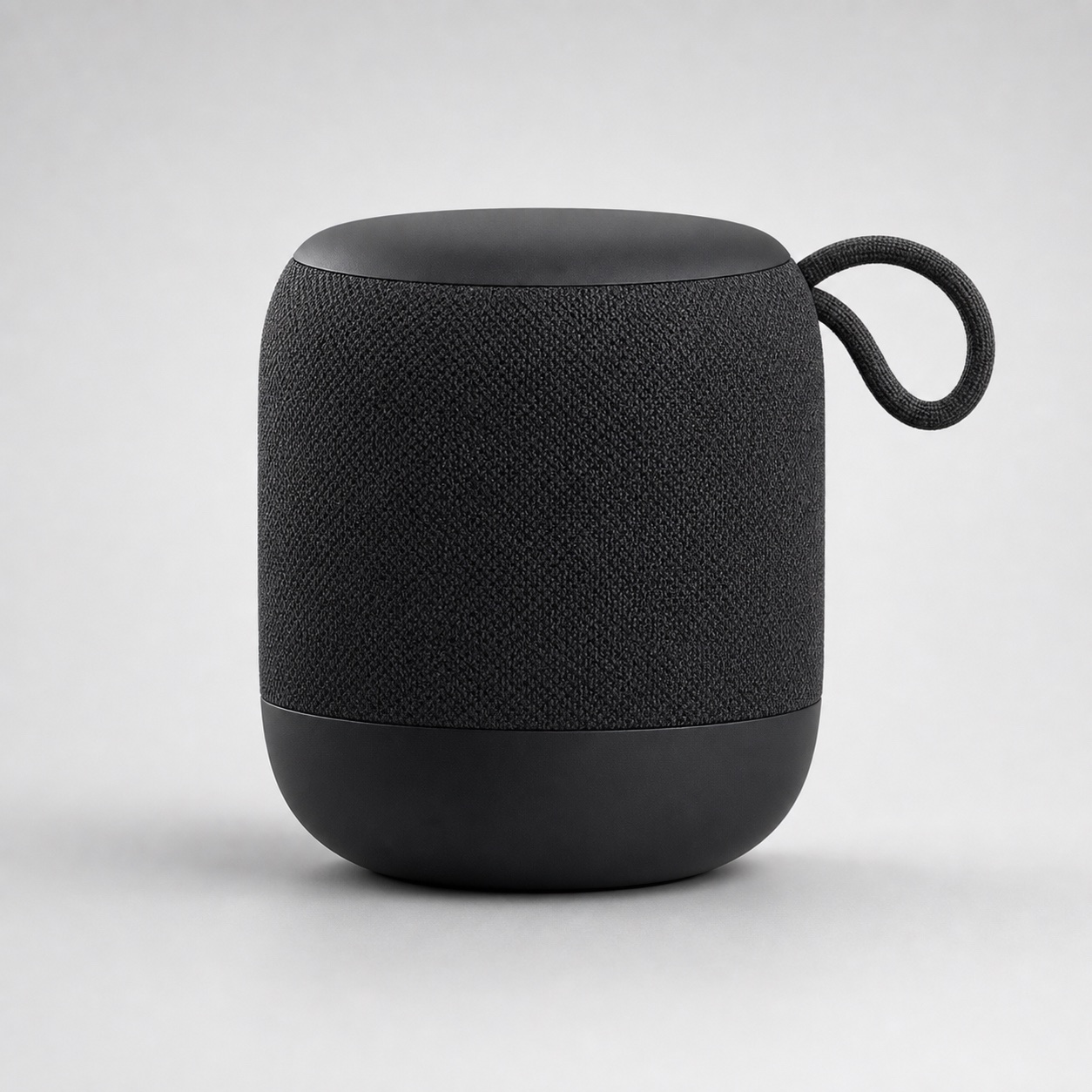
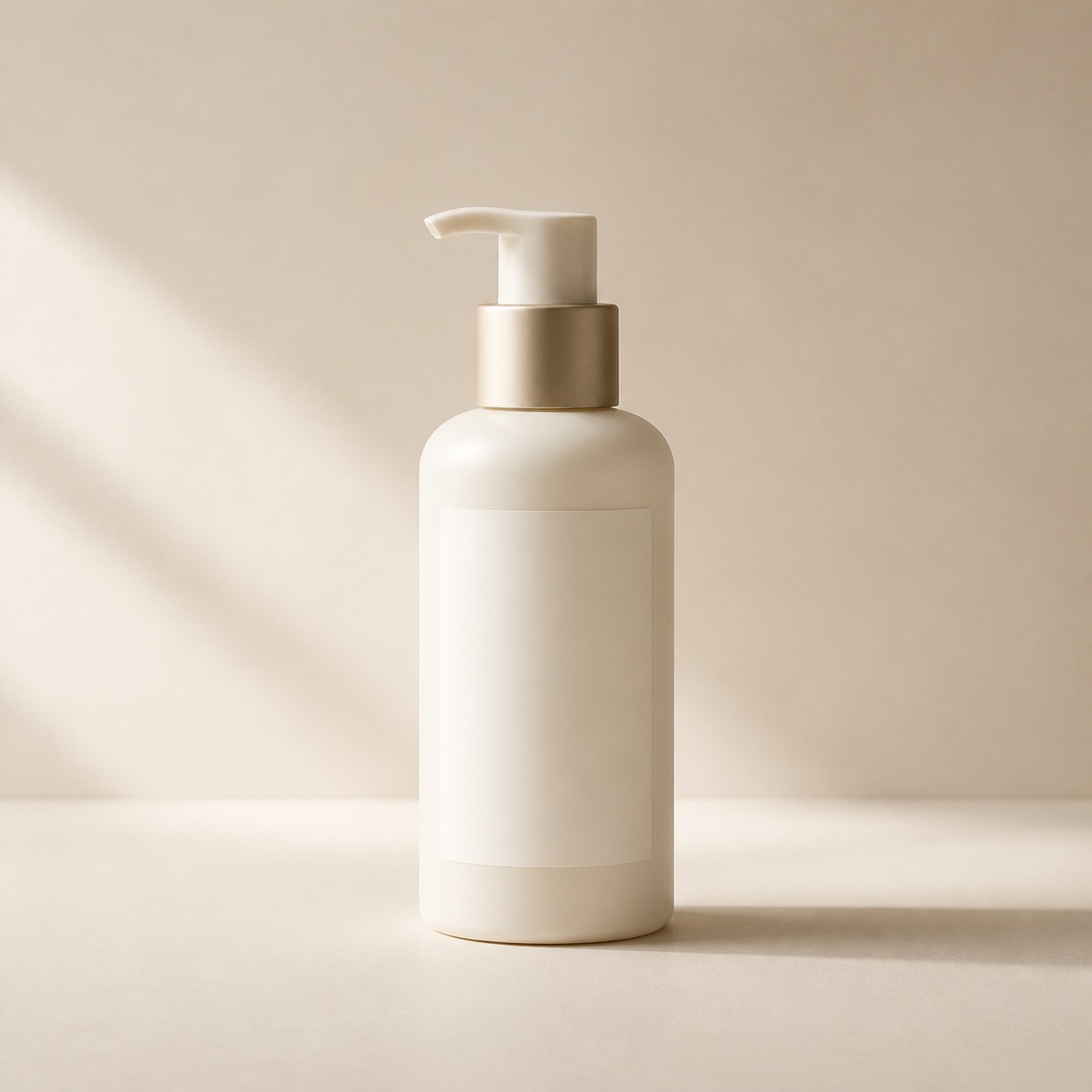
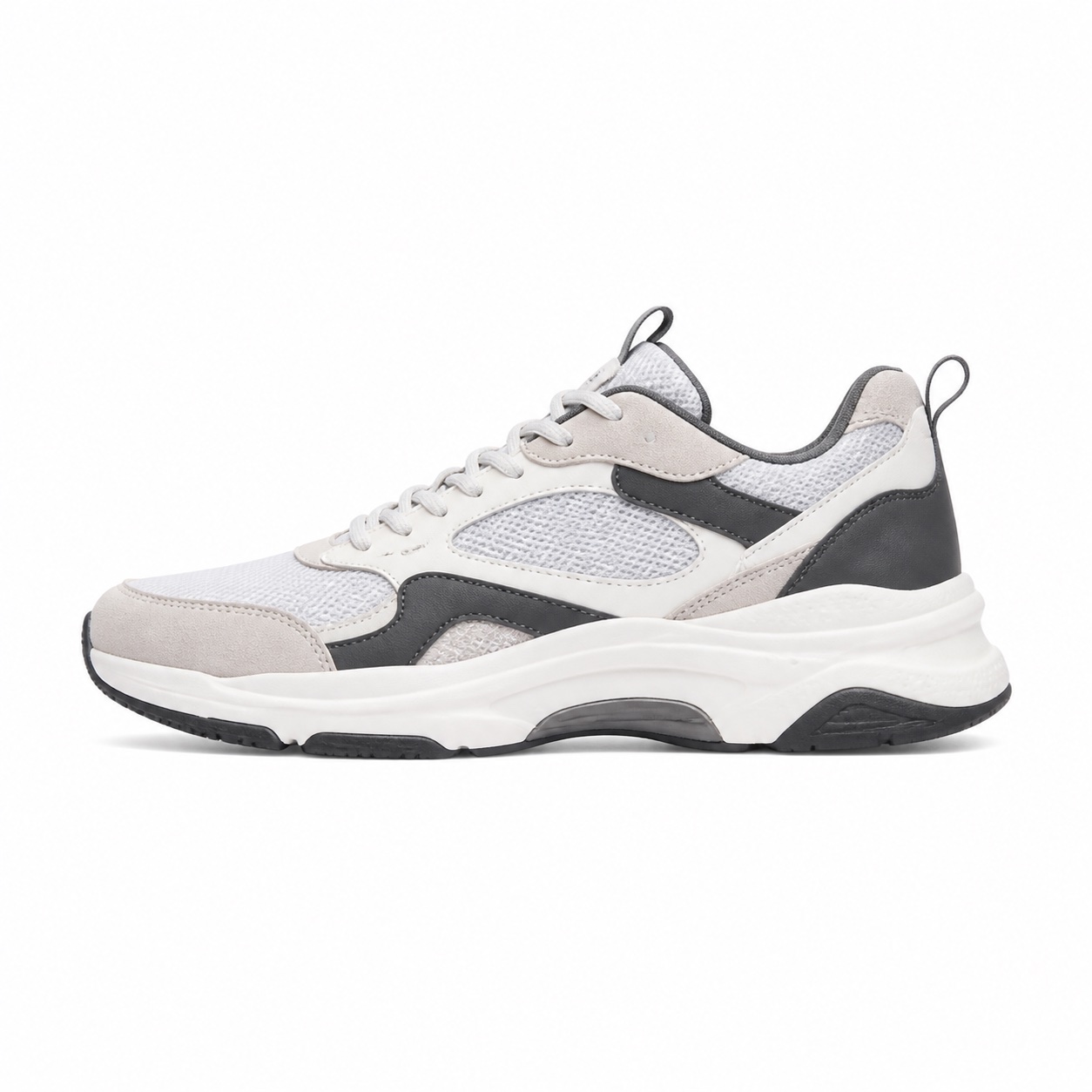
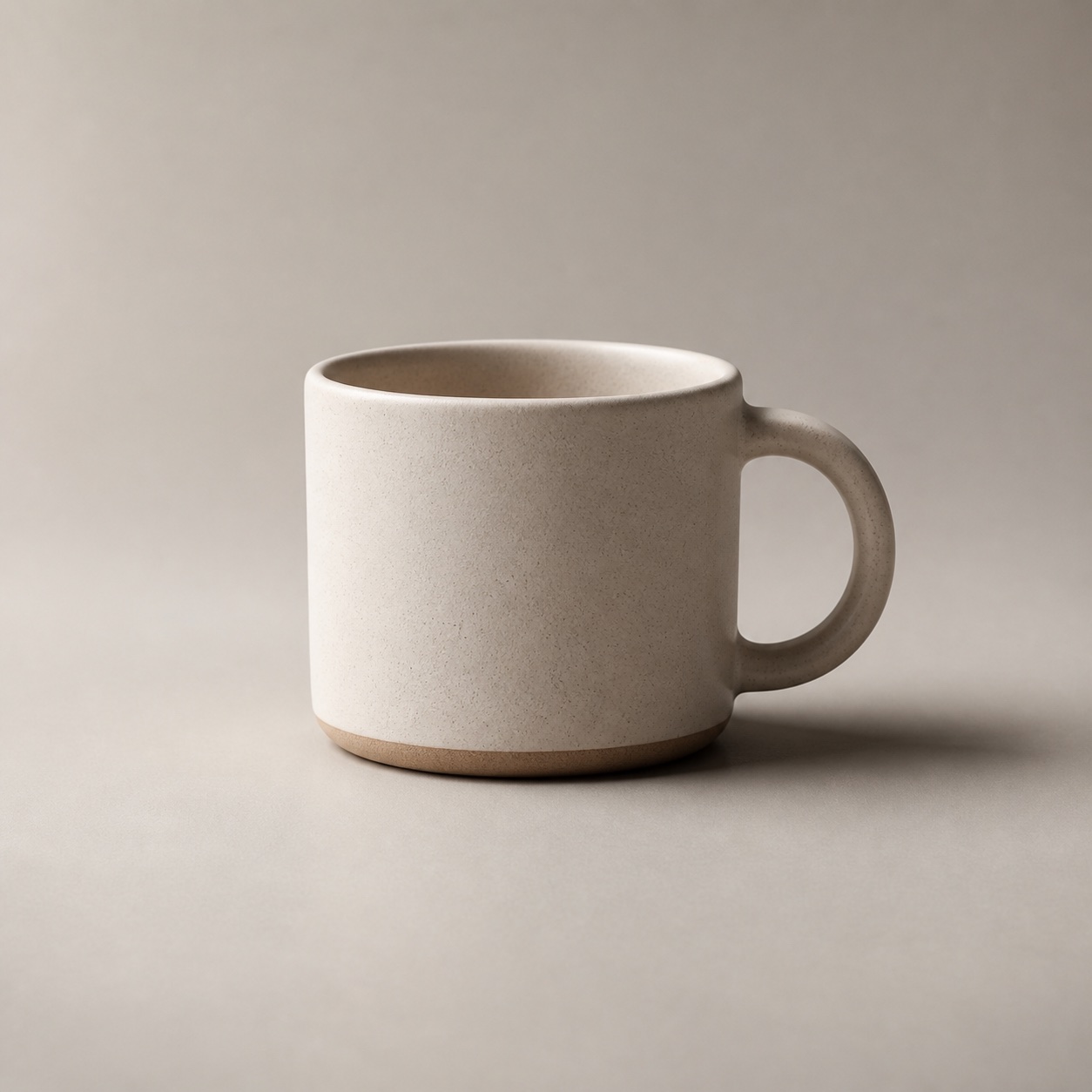
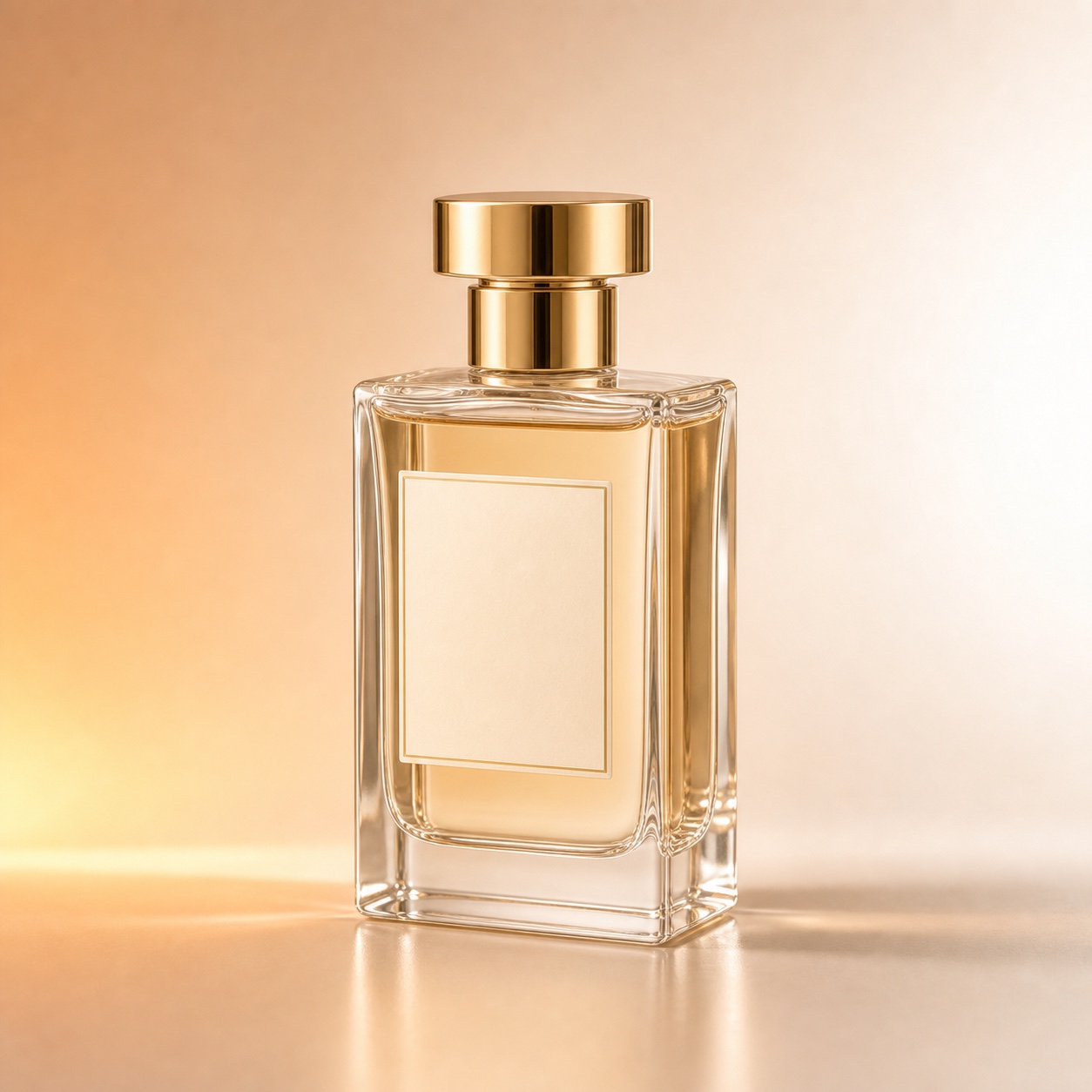
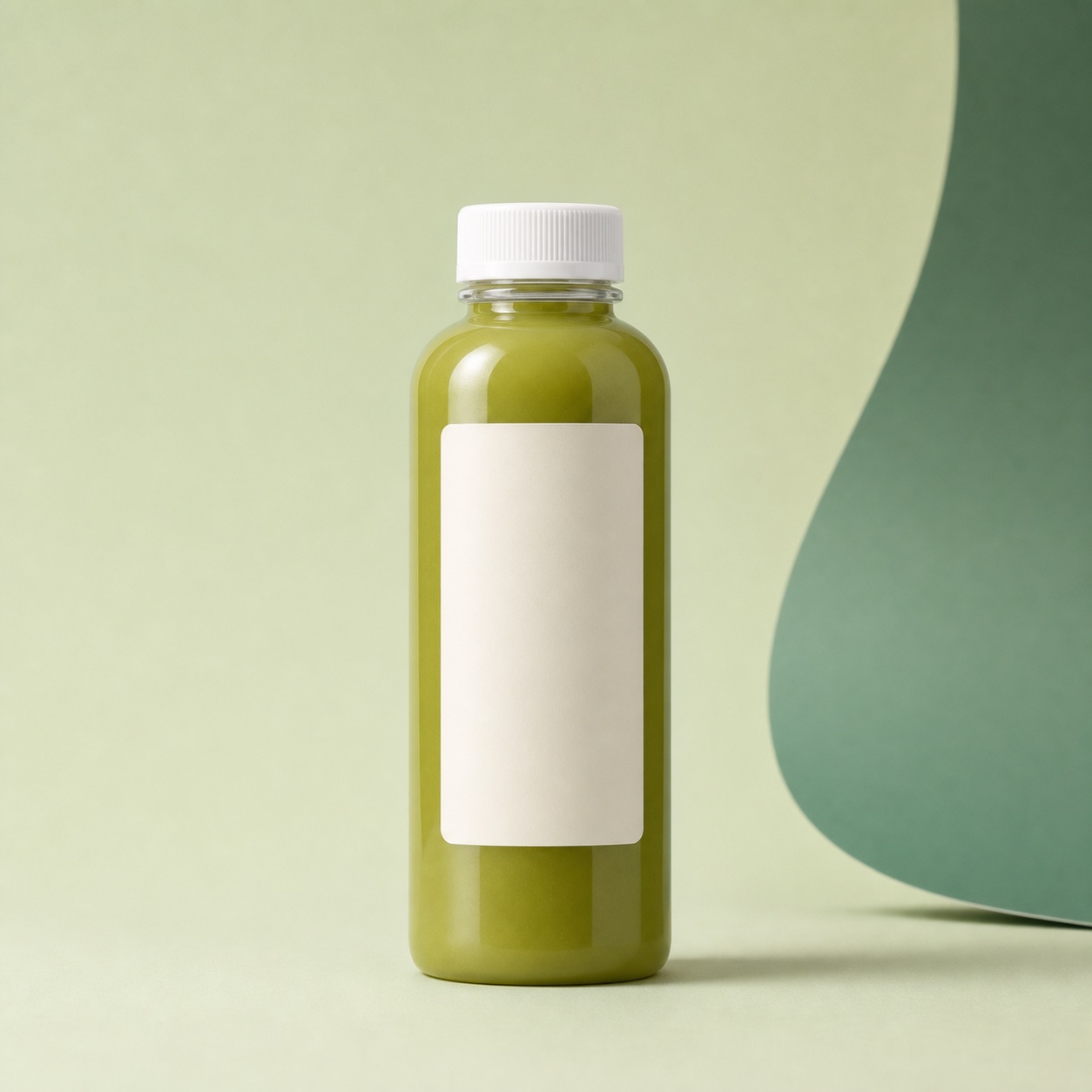
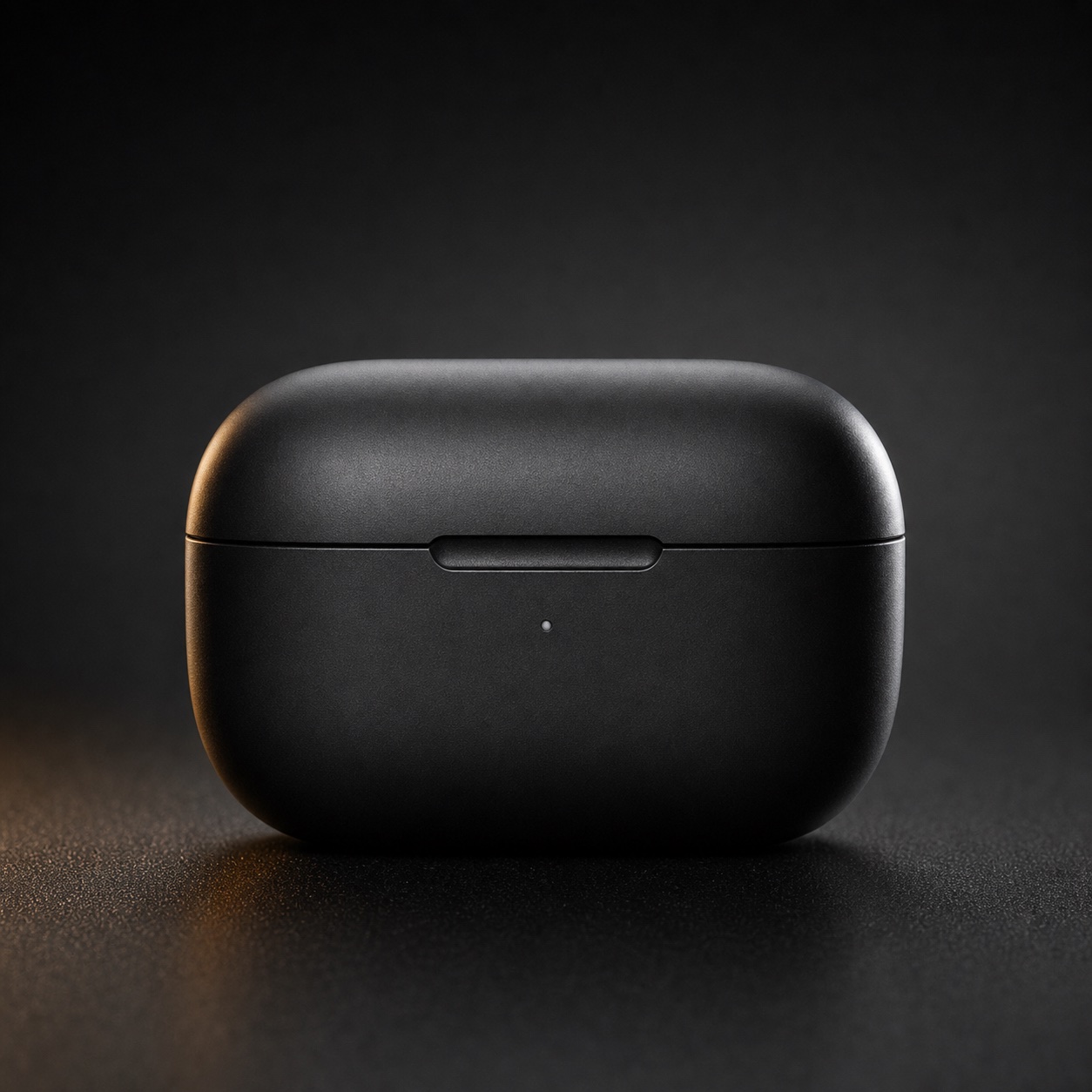
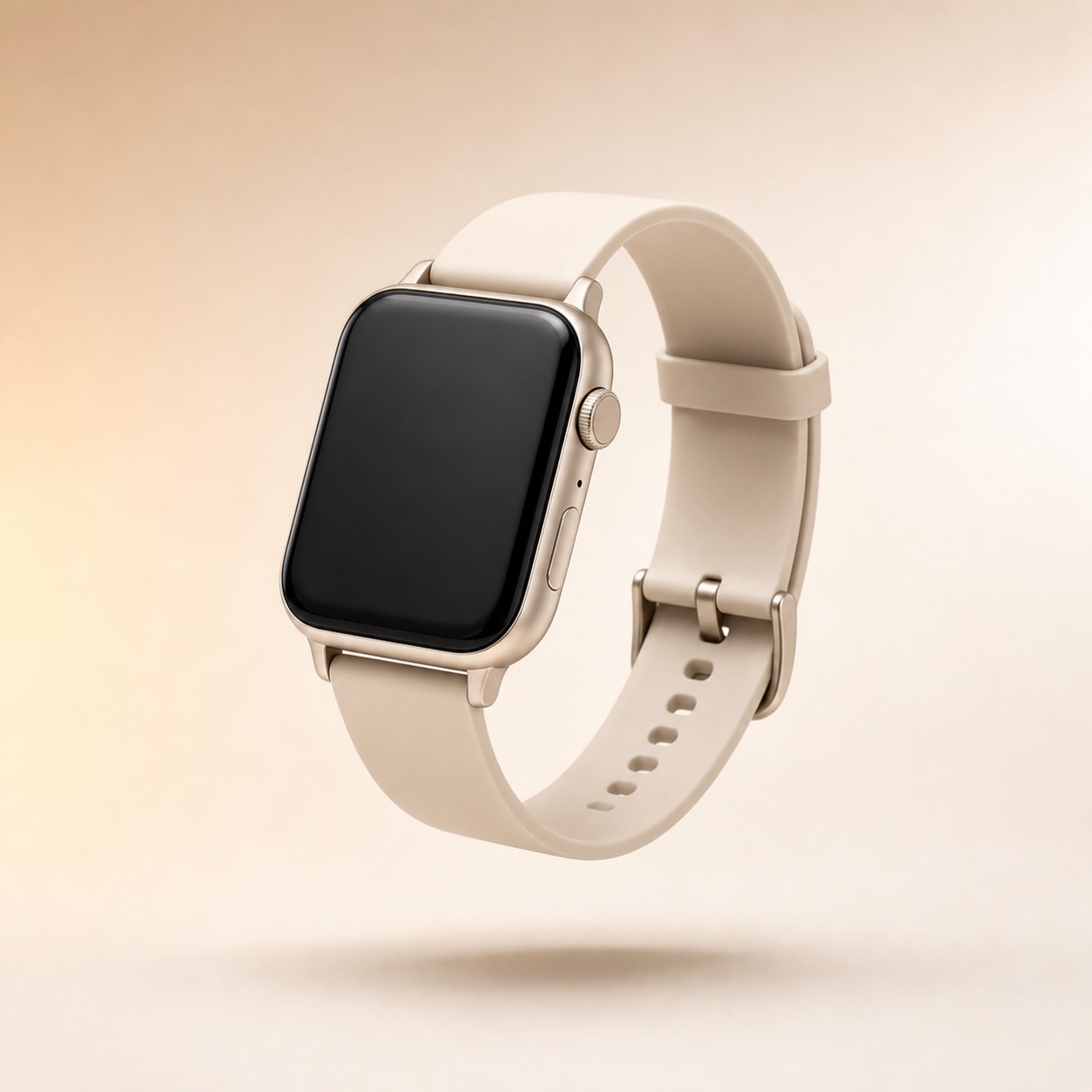
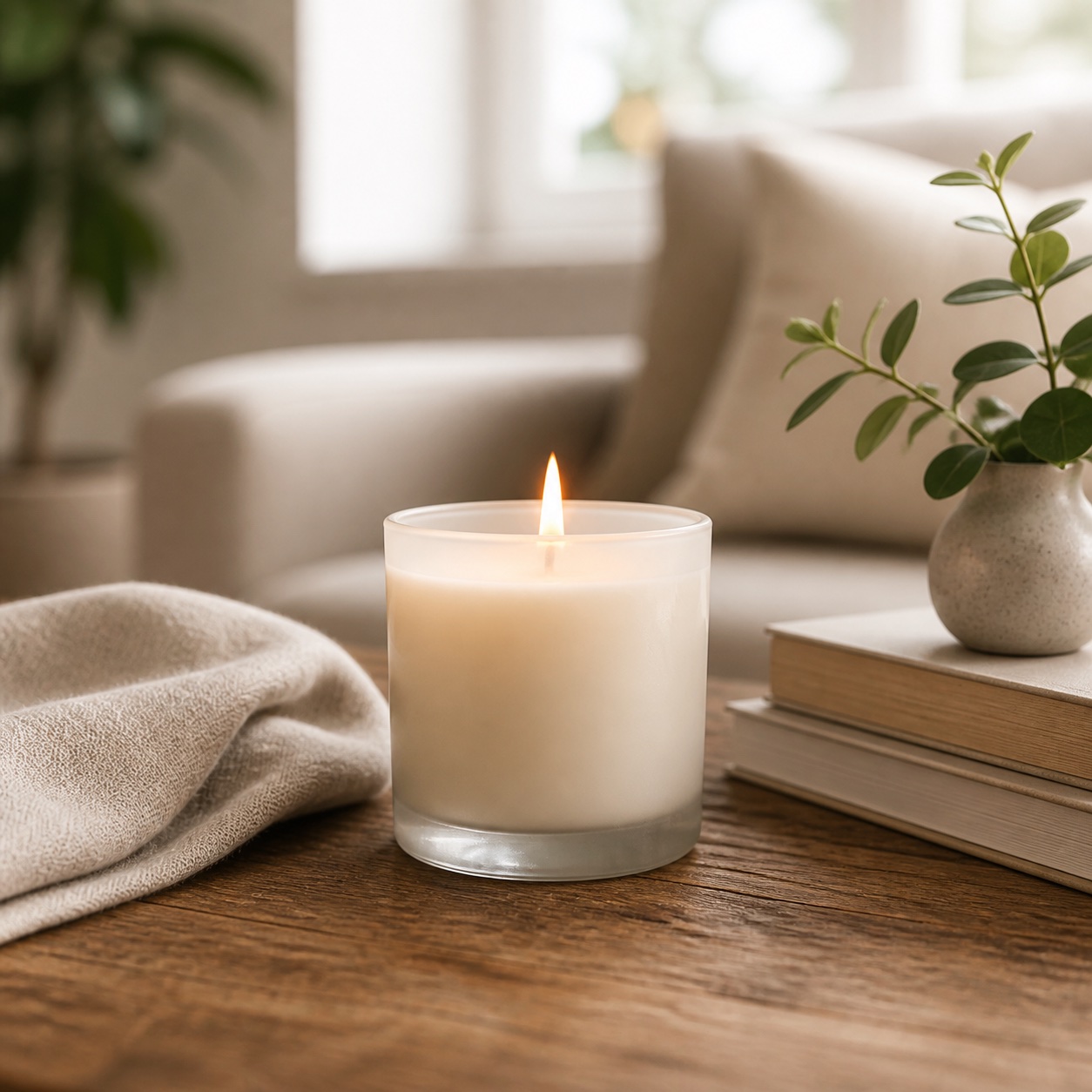
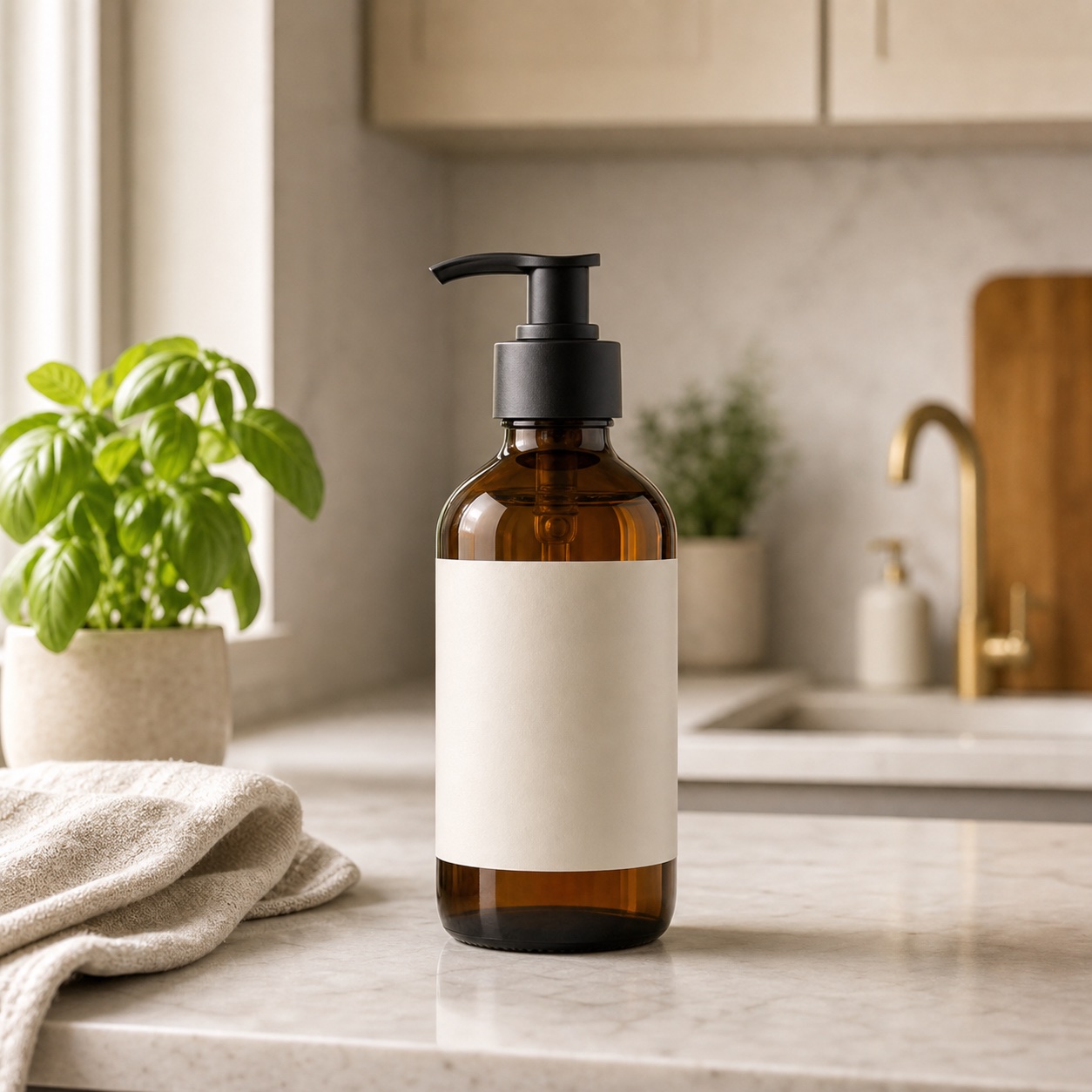
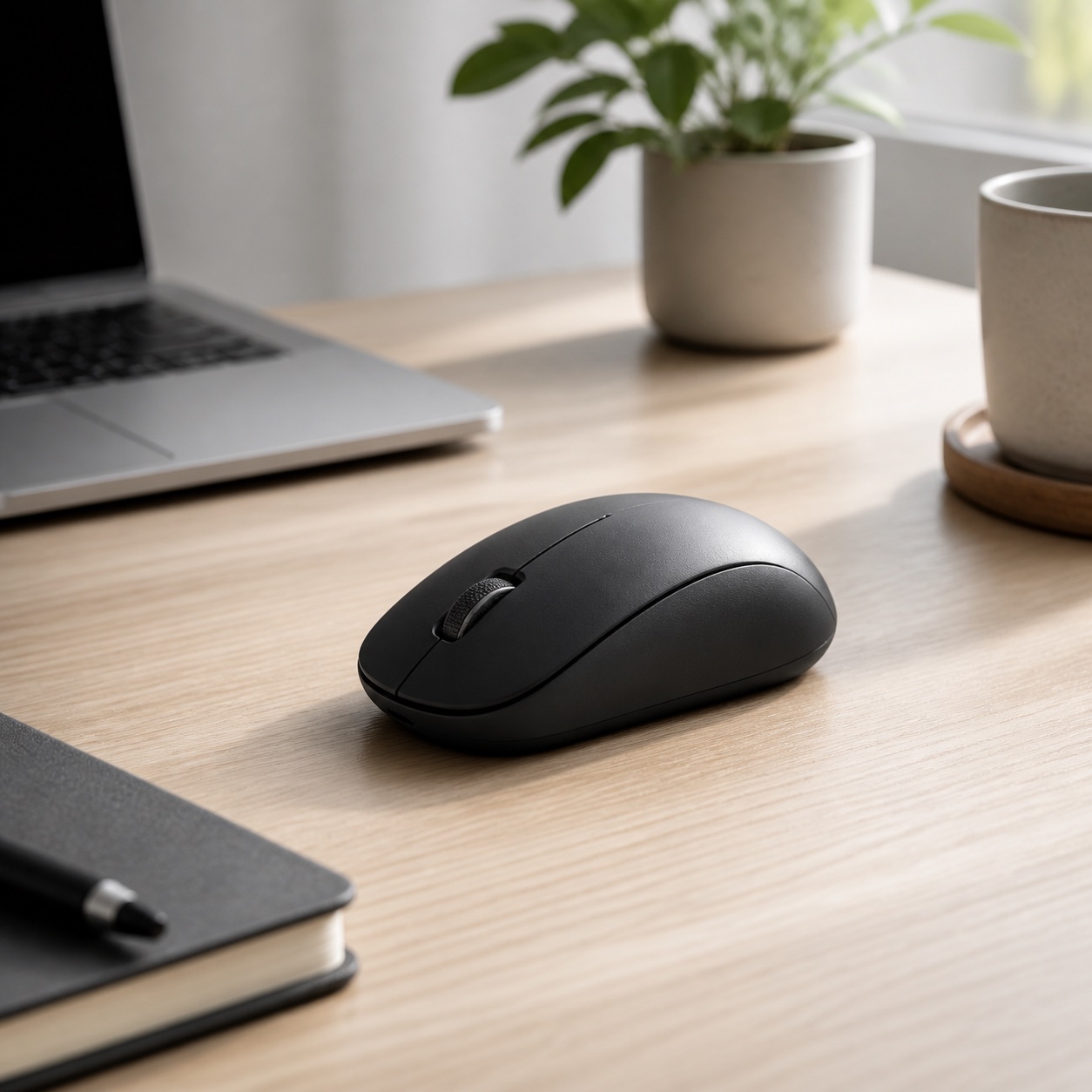
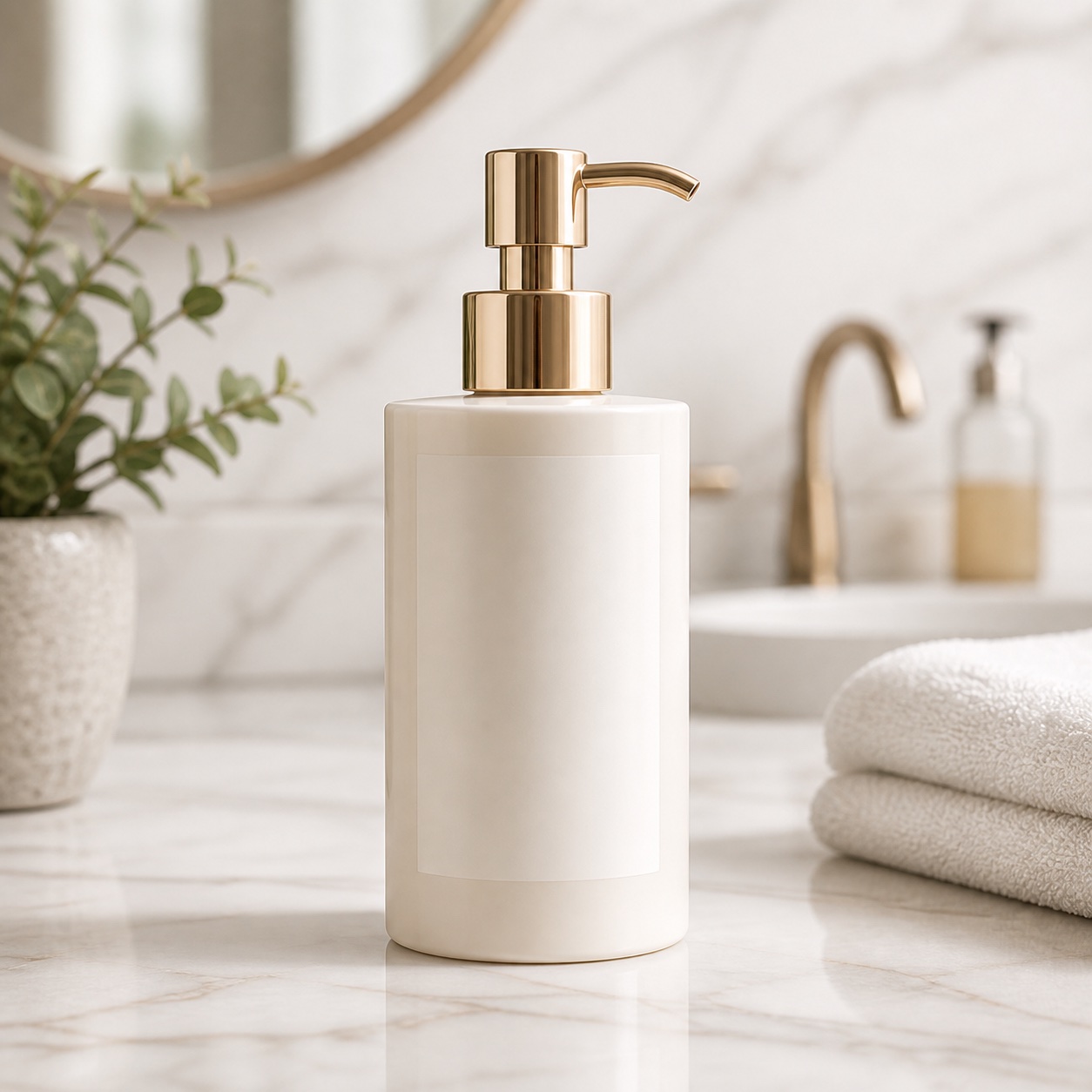
Photo styles you can generate
Tap a style to select it — sign in to generate.
Why AI Reshoot
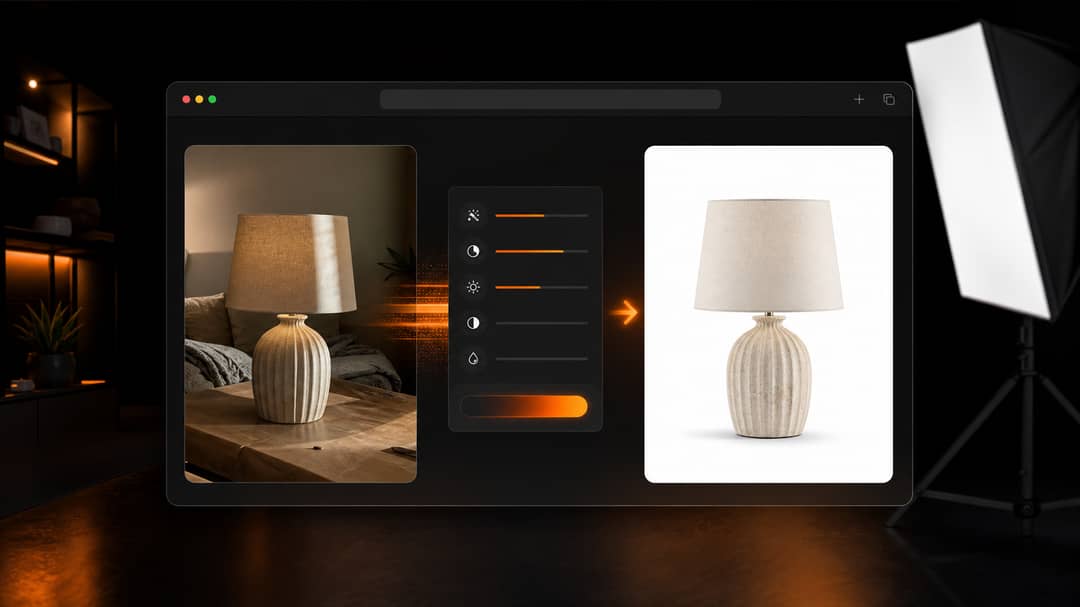
Studio quality without a studio
Rebuild lighting, background, and composition from a single phone photo — clean main images and lifestyle scenes without a shoot, set, or photographer.
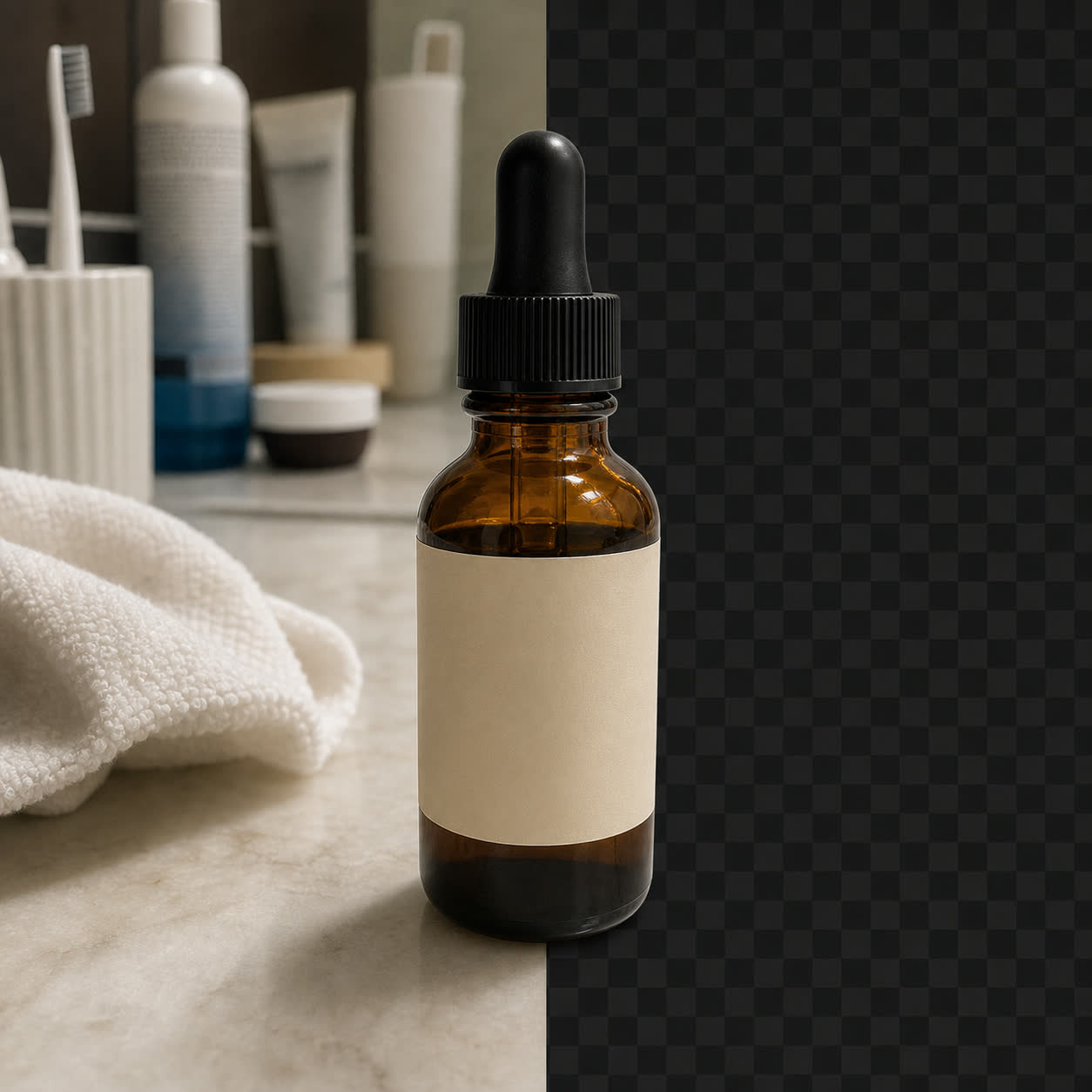
Start from proven templates
Pick from clean, studio, lifestyle, detail, and premium styles instead of writing prompts from scratch. Each template is tuned for ecommerce.
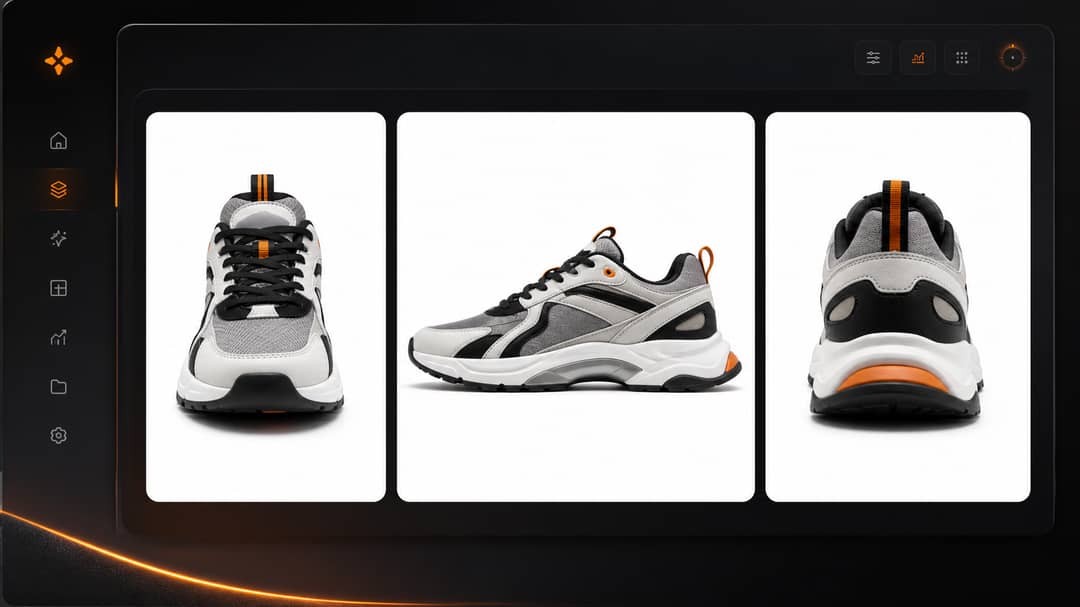
Ready for every storefront
Export the aspect ratios and resolutions marketplaces and ad platforms expect, so the same product is listing-ready everywhere.
Studio-grade output
Your product, shot like it has a campaign budget.
Upload one photo. ShelfPic relights, re-stages, and sharpens it into a professional reshoot — while keeping the product exactly itself.
How it works
- 1Pick a product photo template that matches the listing or campaign you need.
- 2Select a local product image and preview it in the tool before anything is uploaded.
- 3Adjust aspect ratio and resolution for your marketplace, store, or ad placement.
- 4Sign in when you are ready to generate, then ShelfPic uploads securely and creates the AI reshoot.
Best for
Amazon & Shopify listings
Clean main images formatted for common marketplace photo specs — review each platform's current rules before you publish.
White-background catalog images
Consistent SKU and catalog shots across an entire product range.
Lifestyle product photography
Place products in believable scenes that match how customers actually use them.
Social ad creative tests
Spin up multiple looks from one photo to test which visual converts best.
What is an AI product photo generator?
An AI product photo generator restyles a single product shot into professional, on-brand photography — clean studio looks, lifestyle scenes, seasonal sets — without a photographer or a reshoot. You upload your product, pick a style, and the model relights and re-stages it while keeping the product itself faithful to the original.
AI Reshoot is tuned for ecommerce catalogs and ads. Start from proven photography templates instead of a blank prompt, generate multiple angles and aspect ratios, and ship marketplace-ready images in minutes.
Professional product visuals. Predictable pricing.
Create product photos, posters, and short product videos
with one monthly credit pool.
Free
For testing product photo workflows before you upgrade.
- 100 credits — about 2 photos or one 4K image
- Photo studio up to 4K — video needs a paid plan or top-up
- Background removal & replace
- 1-year asset storage
- Outputs watermarked
Starter
For small stores creating their first AI product visuals.
- ~20 photos or 12s of video / month
- Full studio — 4K images & 1080p video
- No watermark on any output
- Standard generation queue
- 1-year asset storage
Pro
For sellers producing product photos, posters, and short ads every month.
- ~60 photos or 37s of video / month
- Full studio — 4K images & 1080p video
- No watermark on any output
- Priority generation queue
- 1-year asset storage
Scale
For high-volume sellers creating weekly product campaigns.
- ~120 photos or 75s of video / month
- Full studio — 4K images & 1080p video
- No watermark on any output
- VIP generation queue
- 1-year asset storage
Max
For large catalogs, frequent campaigns, and heavier video production.
- ~240 photos or 150s of video / month
- Full studio — 4K images & 1080p video
- No watermark on any output
- Top-priority generation queue
- 1-year asset storage
FAQ
Can I try AI Reshoot without an account?
Yes. You can open the full tool, choose templates, adjust settings, and preview a local image. Signing in is required only when you generate, upload to cloud storage, or use credits.
Does ShelfPic upload my image before I sign in?
No. Anonymous previews use a local blob URL in your browser. The storage upload happens only after you sign in and start the generation flow.
What kinds of product photos work best?
Clear product photos with the item fully visible work best. The AI can rebuild lighting, background, and composition, but a sharper source image gives better results.
Which aspect ratios and resolutions can I export?
Square, standard, portrait, and landscape ratios, with resolution options that scale up to 4K on higher plans — sized for marketplaces, stores, and ad placements.
Can I edit a generated photo afterwards?
Yes. You can run a quick edit, erase a region, or expand the canvas on a result, so you can refine a shot without starting over.
Can I use the photos commercially?
Yes. Images generated on a paid plan come with a commercial-use license and export without a watermark, so they are ready for live listings and ads.